Tor browser privacy risks and how to spot them in practice
Network anonymity fails quietly when application behavior betrays your operating system configuration or local time zone.

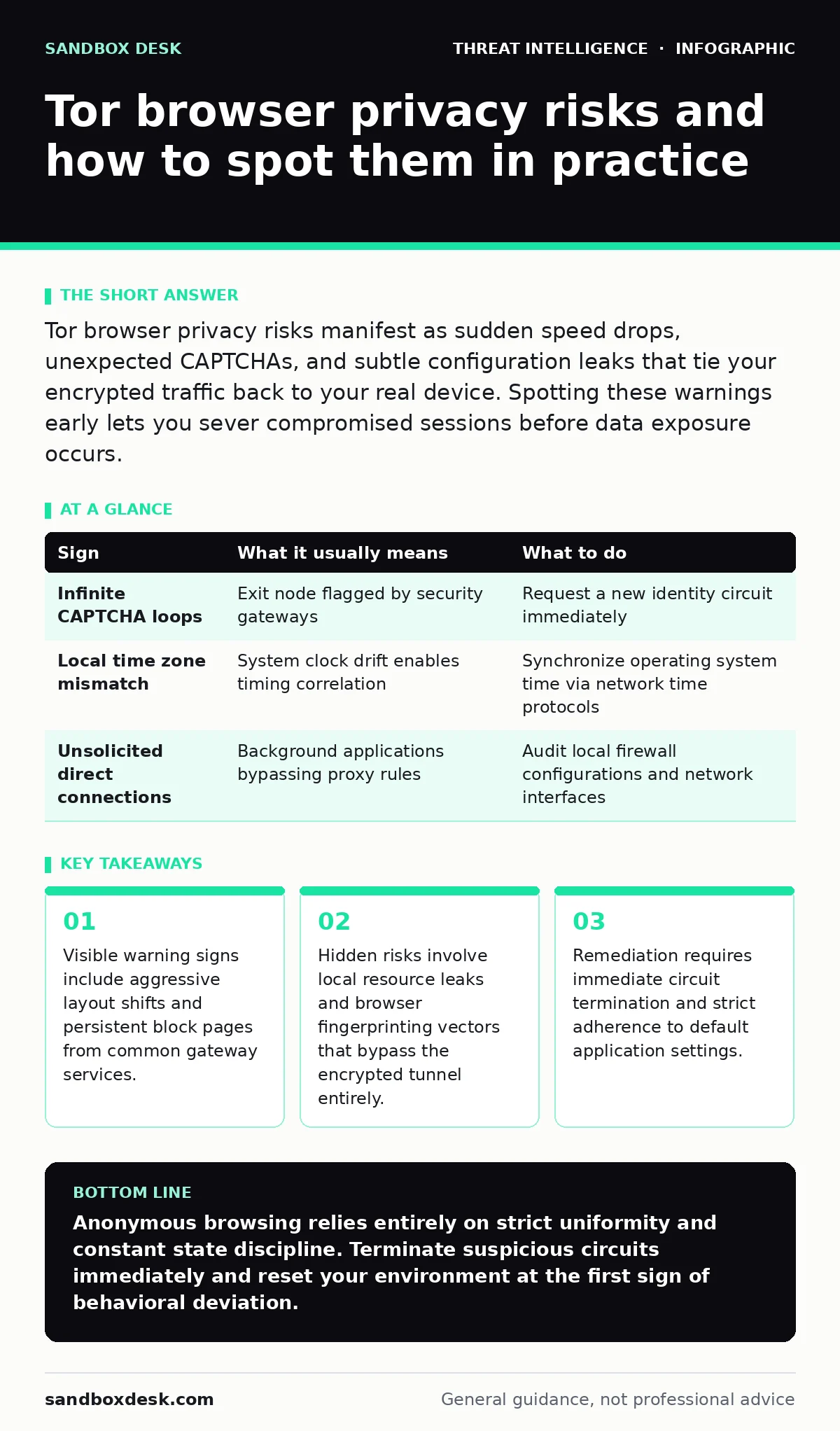
Tor browser privacy risks manifest as sudden speed drops, unexpected CAPTCHAs, and subtle configuration leaks that tie your encrypted traffic back to your real device. Spotting these warnings early lets you sever compromised sessions before data exposure occurs.
Initial warning signs people notice first
Tor browser privacy risks often announce themselves through sudden usability friction rather than cryptographic failure. You will notice web applications demanding repeated proof of humanity through distorted image challenges. Shared exit nodes route traffic for thousands of concurrent users, causing automated defense systems to flag your connection as suspicious behavior. These barriers disrupt workflows and signal that the network route currently carrying your traffic has a poor reputation score.
Performance degradation serves as another immediate indicator of routing anomalies. Slow page loads usually stem from long relay chains spanning multiple continents, but sudden stalls often indicate circuit congestion or targeted throttling. When connection speeds drop to zero midway through a data transfer, relay nodes might be failing or dropping packets. Ignoring these sudden latency spikes risks exposing partial requests if the underlying application falls back to unencrypted transport layers.
Subtle indicators that are easy to miss
Clock skew represents a dangerous privacy leak that automated tools rarely flag for you. Operating systems frequently drift by a few seconds or minutes from coordinated universal time, and web scripts can measure this delta with high precision. If your local system clock differs significantly from the consensus time of the relay network, unique timing signatures emerge. Malicious observers use these micro-differences to correlate traffic entering an entry guard with traffic exiting a final relay.
Font enumeration provides another quiet vector for identifying unique client devices behind an anonymous proxy. Standard installations ship with a uniform set of system typefaces to ensure uniform appearance across all platforms. Installed extensions, custom themes, or missing default packages alter the list of available fonts reported to rendering engines. Web applications query this list via scripting languages to build a unique identifier that persists across multiple circuit rotations.
Hidden costs of modifying default settings
Customizing window dimensions breaks the uniform geometry protection designed to prevent browser fingerprinting. Maximizing the application window or installing unauthorized extensions creates a distinct screen resolution profile that stands out in aggregate traffic analysis. Every plugin you add introduces new execution paths and unique object properties that leak hardware specifics to active content scripts. Maintaining strict anonymity requires accepting default interface constraints without modification.
Background network requests present severe risks when local applications bypass the SOCKS proxy entirely. Helper applications, local update checkers, and misconfigured plugins often initiate direct connections to external servers using your real public Internet Protocol address. These leaks occur independently of the main browser window, completely bypassing the encrypted tunnel provided by the onion routing infrastructure. DNS resolution leaks happen frequently when local stub resolvers handle domain lookups outside the proxy boundary.
Diagnostic signs and mitigation steps
| Sign | What it usually means | What to do |
|---|---|---|
| Infinite CAPTCHA loops | Exit node flagged by security gateways | Request a new identity circuit immediately |
| Local time zone mismatch | System clock drift enables timing correlation | Synchronize operating system time via network time protocols |
| Unsolicited direct connections | Background applications bypassing proxy rules | Audit local firewall configurations and network interfaces |
Remediation protocols for compromised sessions
Terminating the current circuit stops ongoing data transmission through compromised or untrusted relay nodes. New circuits select fresh entry, middle, and exit relays randomly, reducing the chance of continuous surveillance by a single hostile entity. Close all related tabs and clear temporary session storage whenever unexpected behavior suggests state leakage.
Resetting browser parameters to factory defaults eliminates persistent configuration anomalies accumulated during long testing sessions. Review local network policies to ensure all application traffic routes exclusively through the designated local proxy port without exception. When complex investigations require deep network analysis, consulting broader threat intelligence reports helps contextualize observed anomalies against known surveillance patterns.
See also: Golden Ticket Attack Prevention Checklist for Identity Security
Edge cases where standard protections fail
Browser isolation weakens significantly when local hardware acceleration shares graphics memory states with untrusted rendering engines. Malicious web shaders can exploit subtle rendering differences in graphics processing units to infer underlying hardware architecture. Disabling hardware acceleration reduces rendering performance but closes a hardware-level telemetry channel.
Captive portals on public networks intercept unencrypted traffic before the onion routing protocol initializes its handshake sequence. Connecting through hostile local networks exposes initial handshake packets to local administrators regardless of subsequent encryption layers. Securing your initial connection phase prevents local eavesdroppers from mapping your encrypted session initiation.
Architectural limitations of onion routing
Onion routing obscures transport layer metadata but offers no inherent defense against application layer telemetry or user authentication. Logging into personal accounts immediately links your anonymous session to a verified real-world identity. No routing protocol can protect privacy once you provide credentials that tie traffic directly to a known individual.
Bandwidth constraints limit the types of traffic suitable for anonymous networks, leading users to make dangerous exceptions for media streaming or large file transfers. Direct peer-to-peer connections established during media playback frequently bypass proxy settings entirely. Maintaining strict discipline regarding supported traffic types remains the only reliable method for preventing accidental identification.
Key takeaways
- Visible warning signs include aggressive layout shifts and persistent block pages from common gateway services.
- Hidden risks involve local resource leaks and browser fingerprinting vectors that bypass the encrypted tunnel entirely.
- Remediation requires immediate circuit termination and strict adherence to default application settings.
Anonymous browsing relies entirely on strict uniformity and constant state discipline. Terminate suspicious circuits immediately and reset your environment at the first sign of behavioral deviation.
Frequently asked questions
Why does the Tor browser frequently trigger security blocks and CAPTCHAs?
Shared exit nodes use IP addresses that are frequently flagged by automated web defenses due to previous abuse by other network participants.
Does clearing browser cookies protect against tracking across different circuits?
Clearing cookies prevents state tracking, but hardware fingerprinting and time zone leaks can still link separate circuits together.
How do malicious nodes deanonymize users without breaking encryption?
Malicious nodes correlate traffic timing, measure clock drift, and exploit browser fingerprinting vectors to match entry traffic with exit traffic.
Can background browser extensions compromise network anonymity?
Extensions modify the execution environment and API responses, creating unique signatures that distinguish your browser from standard installations.
How this guide was produced: written by the Sandbox Desk editorial team with AI assistance, checked against the public references listed below, and reviewed when the facts change. See our editorial policy or report an error.