Scheduled Task Abuse Prevention Checklist for Secure Systems
Attackers use native system utilities to bypass security controls and maintain access, making routine task audits a primary defense strategy.

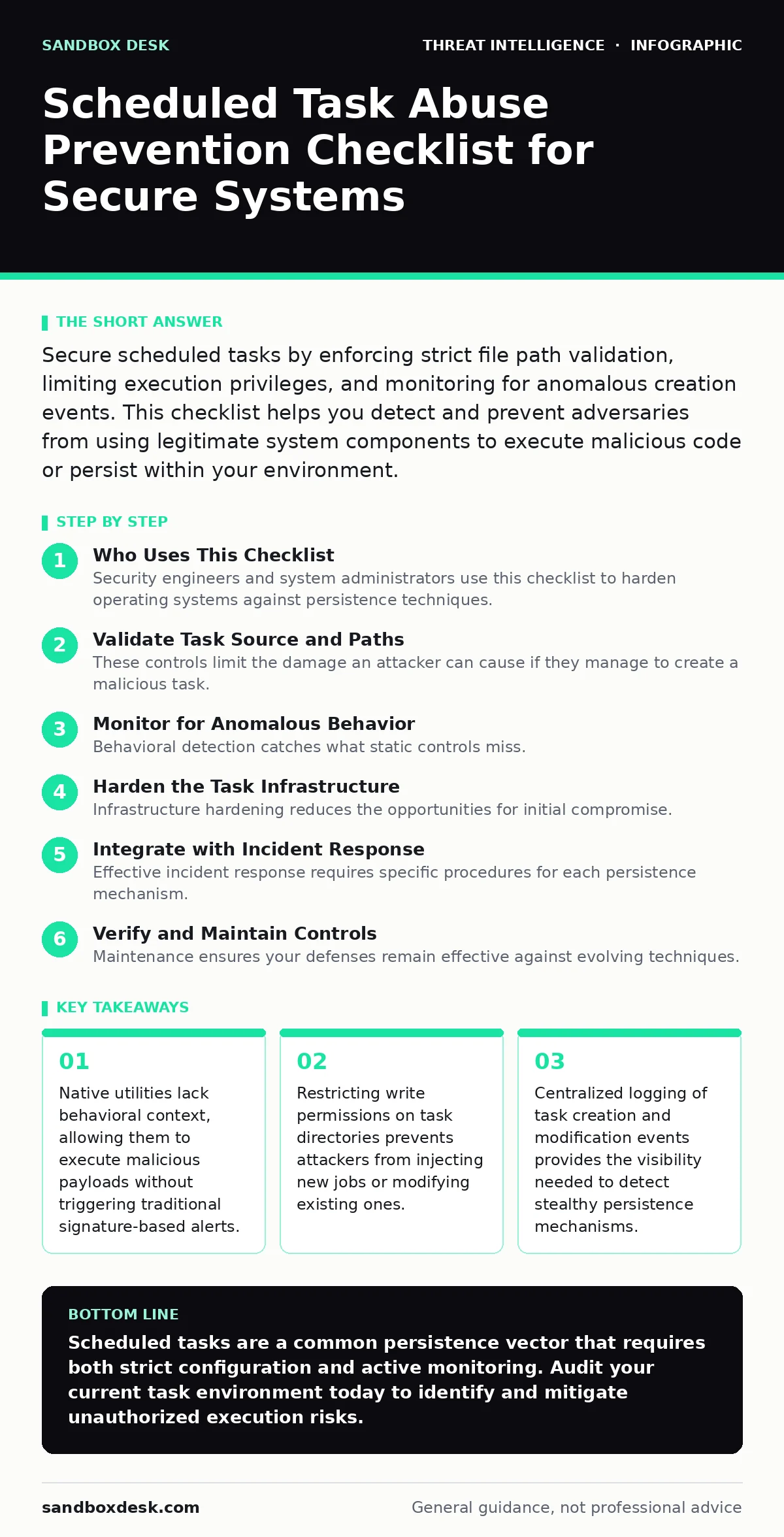
Secure scheduled tasks by enforcing strict file path validation, limiting execution privileges, and monitoring for anomalous creation events. This checklist helps you detect and prevent adversaries from using legitimate system components to execute malicious code or persist within your environment.
Who Uses This Checklist
Security engineers and system administrators use this checklist to harden operating systems against persistence techniques. You apply these controls to reduce the attack surface where adversaries rely on trusted binaries. The goal is to detect unauthorized modifications to scheduled jobs before they execute. Use this list during system hardening phases and after incident response activities. Review your current configuration against these items to identify gaps in your monitoring strategy.
Validate Task Source and Paths
- Enforce absolute paths for all executable targets: Relative paths allow attackers to inject malicious files with the same name as legitimate tools.
- Block execution from temporary directories: Attackers frequently drop payloads in temp folders to hide from standard directory audits.
- Verify digital signatures on task executables: Unsigned binaries indicate a lack of vendor verification and potential tampering.
- Restrict task creation to authorized service accounts: Default user accounts often have insufficient privileges, but broad access invites abuse.
- Audit task descriptions for obfuscation: Adversaries use generic names to blend in with legitimate system maintenance jobs.
Control Execution Privileges
- Apply least privilege to task runners: Tasks running as system administrators can access all resources, amplifying the impact of a breach.
- Disable high-integrity task creation for standard users: Preventing low-privilege users from creating elevated tasks blocks a common persistence path.
- Use job objects to limit CPU and memory: Resource limits prevent attackers from using scheduled tasks to launch resource-intensive crypto-mining or denial-of-service attacks.
- Require administrator approval for new system tasks: A human review step adds friction to automated abuse attempts and reduces noise.
- Monitor for tasks running in interactive sessions: Automated tasks should not require user presence, so interactive execution signals potential compromise.
These controls limit the damage an attacker can cause if they manage to create a malicious task. Even with strict privileges, an attacker might still execute low-impact code. You must combine privilege restrictions with behavioral monitoring to catch these attempts. Refer to the guide on remote desktop abuse for related privilege escalation vectors.
Monitor for Anomalous Behavior
- Alert on task creation from unexpected processes: Legitimate tasks are usually created by system services or admin tools, not web browsers or mail clients.
- Detect rapid task creation or deletion: Burst activity indicates automated tooling rather than manual administrative work.
- Flag tasks executing during off-hours: System maintenance usually follows a predictable schedule; deviations may signal covert operations.
- Monitor for tasks with hidden or disabled states: Adversaries disable tasks to avoid detection or run them in hidden modes to evade user notice.
- Track changes to existing task configurations: Modifying a legitimate task to point to a malicious payload is a subtle but effective technique.
Behavioral detection catches what static controls miss. You need to define baselines for normal task activity in your environment. Without a baseline, every alert looks like noise. This approach aligns with principles in blue team operations regarding anomaly detection.
Harden the Task Infrastructure
- Disable unused task schedulers on servers: Reducing the number of active schedulers limits the attack surface for lateral movement.
- Encrypt task storage databases: Encryption prevents attackers who gain file system access from reading or modifying task definitions directly.
- Restrict network access to task management interfaces: Remote management ports should be accessible only from trusted administrative networks.
- Regularly clean up orphaned tasks: Old tasks from decommissioned applications may have weak security settings and no active owner.
- Implement file integrity monitoring on task directories: Detecting changes to task files provides immediate evidence of tampering.
Infrastructure hardening reduces the opportunities for initial compromise. It does not stop an attacker who already has code execution rights, but it makes persistence harder. You must ensure your monitoring tools can see into these protected areas.
See also: Kerberoasting Mistakes That Expose Service Accounts
Integrate with Incident Response
- Include task audits in your initial response steps: Checking for new tasks helps determine if the attacker has established persistence.
- Document known good task hashes: Comparing current task hashes against a known good baseline speeds up the identification of malicious jobs.
- Automate the suspension of suspicious tasks: Quick containment prevents the execution of payloads while investigators analyze the threat.
- Correlate task events with other log sources: Combining task data with process creation logs provides a clearer picture of the attack chain.
- Update response playbooks with task-specific indicators: Generic playbooks may miss the nuances of scheduler abuse.
Effective incident response requires specific procedures for each persistence mechanism. Generic approaches often fail to catch subtle modifications. You should review your incident response runbooks to ensure they cover scheduler-specific scenarios. This integration supports the Diamond Model of intrusion analysis by linking capabilities to infrastructure.
Verify and Maintain Controls
- Conduct quarterly reviews of all active tasks: Stale tasks accumulate over time and become blind spots in your security posture.
- Test detection rules against simulated abuse: Regular testing ensures your alerts fire correctly and reduces false negatives.
- Update baseline configurations after system changes: New applications may introduce new tasks that require security review and monitoring.
- Train administrators on secure task creation practices: Human error often introduces weak tasks that attackers can exploit later.
- Review third-party application task requirements: Vendor-provided tasks may have excessive privileges or weak security settings.
Maintenance ensures your defenses remain effective against evolving techniques. Static controls degrade over time as the system changes. You must treat task security as an ongoing operational discipline. For deeper simulation of these attacks, refer to the guide on adversary emulation.
Key takeaways
- Native utilities lack behavioral context, allowing them to execute malicious payloads without triggering traditional signature-based alerts.
- Restricting write permissions on task directories prevents attackers from injecting new jobs or modifying existing ones.
- Centralized logging of task creation and modification events provides the visibility needed to detect stealthy persistence mechanisms.
Scheduled tasks are a common persistence vector that requires both strict configuration and active monitoring. Audit your current task environment today to identify and mitigate unauthorized execution risks.
Frequently asked questions
How do attackers use scheduled tasks to bypass antivirus?
Attackers use scheduled tasks to execute code from trusted system directories, which antivirus software often ignores or whitelists by default. This allows malicious payloads to run without triggering signature-based detection mechanisms.
Can scheduled tasks be used for lateral movement?
Yes, attackers can create scheduled tasks on remote systems to execute commands or download additional tools. This technique allows them to move laterally within a network without direct interactive access to each target machine.
What is the difference between task abuse and golden ticket attacks?
Task abuse involves misusing legitimate system scheduling components for persistence, while golden ticket attacks involve forging authentication tokens. These are distinct techniques with different detection and mitigation strategies.
How often should I review scheduled tasks?
You should review scheduled tasks at least quarterly or whenever significant system changes occur. Regular reviews help identify stale, orphaned, or unauthorized tasks that could be exploited by attackers.
How this guide was produced: written by the Sandbox Desk editorial team with AI assistance, checked against the public references listed below, and reviewed when the facts change. See our editorial policy or report an error.