Malware Droppers and Loaders: Prevention Checklist for Secure Systems
Droppers hide the payload until conditions are met, while loaders execute code from memory, making traditional signature-based scans ineffective against these delivery mechanisms.

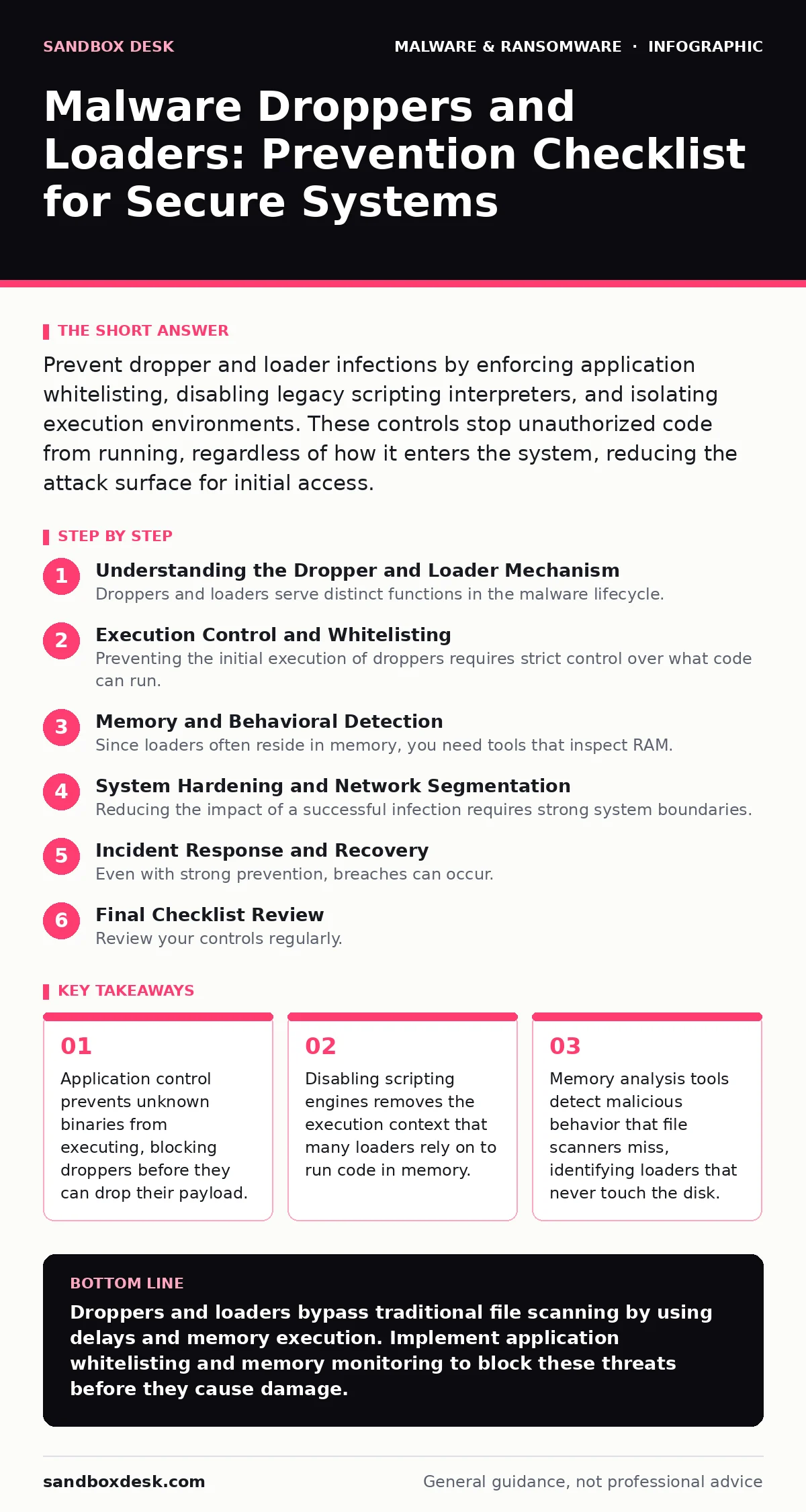
Prevent dropper and loader infections by enforcing application whitelisting, disabling legacy scripting interpreters, and isolating execution environments. These controls stop unauthorized code from running, regardless of how it enters the system, reducing the attack surface for initial access.
Understanding the Dropper and Loader Mechanism
Droppers and loaders serve distinct functions in the malware lifecycle. A dropper is a benign-looking program that installs malicious software on a target system. It often arrives via email attachments or drive-by downloads. The dropper waits for specific triggers, such as a time delay or user interaction, before releasing the actual malware. This delay helps it evade immediate detection by antivirus software that scans files upon arrival.
Loaders operate differently. They do not necessarily drop a file. Instead, they execute code directly in the system memory. This technique, known as fileless execution, leaves no trace on the hard drive. The loader connects to command and control servers to fetch instructions. Because the malicious code exists only in RAM, traditional file-based scanning fails to identify the threat. You must understand these mechanisms to build effective defenses.
Execution Control and Whitelisting
Preventing the initial execution of droppers requires strict control over what code can run. Application whitelisting, or allowlisting, is the most effective method. This approach blocks all programs except those explicitly permitted. It stops unsigned or unknown executables from running, regardless of how they entered the system.
You should also disable unnecessary scripting capabilities. Many loaders use scripts to execute code without creating a file. Disabling PowerShell, WScript, or other interpreters on endpoints that do not need them reduces the attack surface. If a script cannot run, the loader has no mechanism to execute its payload. This control is critical for systems that rarely require administrative scripting.
- Enforce application whitelisting on all endpoints: blocks unauthorized executables from running.
- Disable unused scripting interpreters: removes execution contexts for fileless loaders.
- Restrict command-line access for standard users: prevents manual execution of dropped payloads.
Memory and Behavioral Detection
Since loaders often reside in memory, you need tools that inspect RAM. Traditional antivirus solutions scan files on disk. They miss threats that never write to storage. Behavior-based detection monitors system calls and process activity. It looks for actions typical of malware, such as injecting code into legitimate processes or encrypting data rapidly.
Next-generation antivirus solutions include memory scanning capabilities. They analyze the system's runtime environment for anomalies. This detection method identifies loaders that use legitimate system utilities to execute malicious code. You should configure these tools to alert on process injection and unusual memory allocation patterns. This approach catches threats that evade signature-based checks.
- Deploy memory-scanning tools: detects fileless loaders that reside only in RAM.
- Enable process injection alerts: identifies loaders that hijack legitimate applications.
- Monitor for unusual network traffic: spots communication with command and control servers.
System Hardening and Network Segmentation
Reducing the impact of a successful infection requires strong system boundaries. Patch management ensures that known vulnerabilities are closed. Droppers often exploit unpatched software to gain initial access. Keeping operating systems and applications updated removes these entry points. You must prioritize patches for services that face the internet.
Network segmentation limits lateral movement. If a dropper infects one workstation, segmentation prevents it from spreading to critical servers. You should isolate high-value assets in separate network zones. This containment strategy reduces the blast radius of an infection. It also makes it easier to detect and respond to threats.
- Apply security patches immediately: closes vulnerabilities used by droppers for initial access.
- Segment network zones: limits the spread of malware to critical systems.
- Disable remote administration protocols on public networks: reduces exposure to remote loaders.
Incident Response and Recovery
Even with strong prevention, breaches can occur. You need a plan to handle infections. Ransomware incident response procedures outline the steps to isolate and remediate infected systems. Quick containment stops the dropper from spreading. You must have a way to disconnect affected machines from the network without destroying evidence.
Disaster recovery plans ensure you can restore systems after an attack. Regular backups allow you to rebuild compromised environments. You should test these backups to ensure they are clean and restorable. Ransom notes often appear after encryption begins, signaling a successful attack. Your response plan should include steps for communication and legal compliance.
- Maintain offline backups: provides a clean source for system restoration.
- Test backup integrity regularly: ensures data can be recovered after an infection.
- Document response procedures: speeds up containment and remediation efforts.
See also: Clipboard Hijackers: Myths About Data Theft and Prevention
Final Checklist Review
Review your controls regularly. Security is not a one-time task. Threats evolve, and new droppers and loaders emerge. You should update your whitelists and detection rules as your environment changes. Periodic audits ensure that your defenses remain effective against current threats. This proactive approach maintains a strong security posture.
- Audit application whitelists quarterly: ensures new legitimate software is allowed.
- Update behavioral detection rules monthly: adapts to new malware techniques.
- Conduct tabletop exercises annually: tests the effectiveness of your response plan.
Key takeaways
- Application control prevents unknown binaries from executing, blocking droppers before they can drop their payload.
- Disabling scripting engines removes the execution context that many loaders rely on to run code in memory.
- Memory analysis tools detect malicious behavior that file scanners miss, identifying loaders that never touch the disk.
Droppers and loaders bypass traditional file scanning by using delays and memory execution. Implement application whitelisting and memory monitoring to block these threats before they cause damage.
Frequently asked questions
How do droppers differ from loaders?
Droppers install malware files on the disk, often after a delay, while loaders execute code directly in memory without creating persistent files.
Can antivirus software detect fileless loaders?
Standard antivirus software may miss fileless loaders, but next-generation antivirus solutions with memory scanning can detect them by analyzing runtime behavior.
Why is application whitelisting effective against droppers?
Application whitelisting blocks any executable that is not explicitly approved, preventing droppers from running their installation routines on the system.
What is the first step in responding to a loader infection?
The first step is to isolate the infected system from the network to prevent lateral movement and stop communication with command and control servers.
How this guide was produced: written by the Sandbox Desk editorial team with AI assistance, checked against the public references listed below, and reviewed when the facts change. See our editorial policy or report an error.