How to Create Disaster Recovery Plan: The 7 Step Rollout
Recovery time depends on how often you verify backup integrity, not on how much data you store or how fast your servers run.

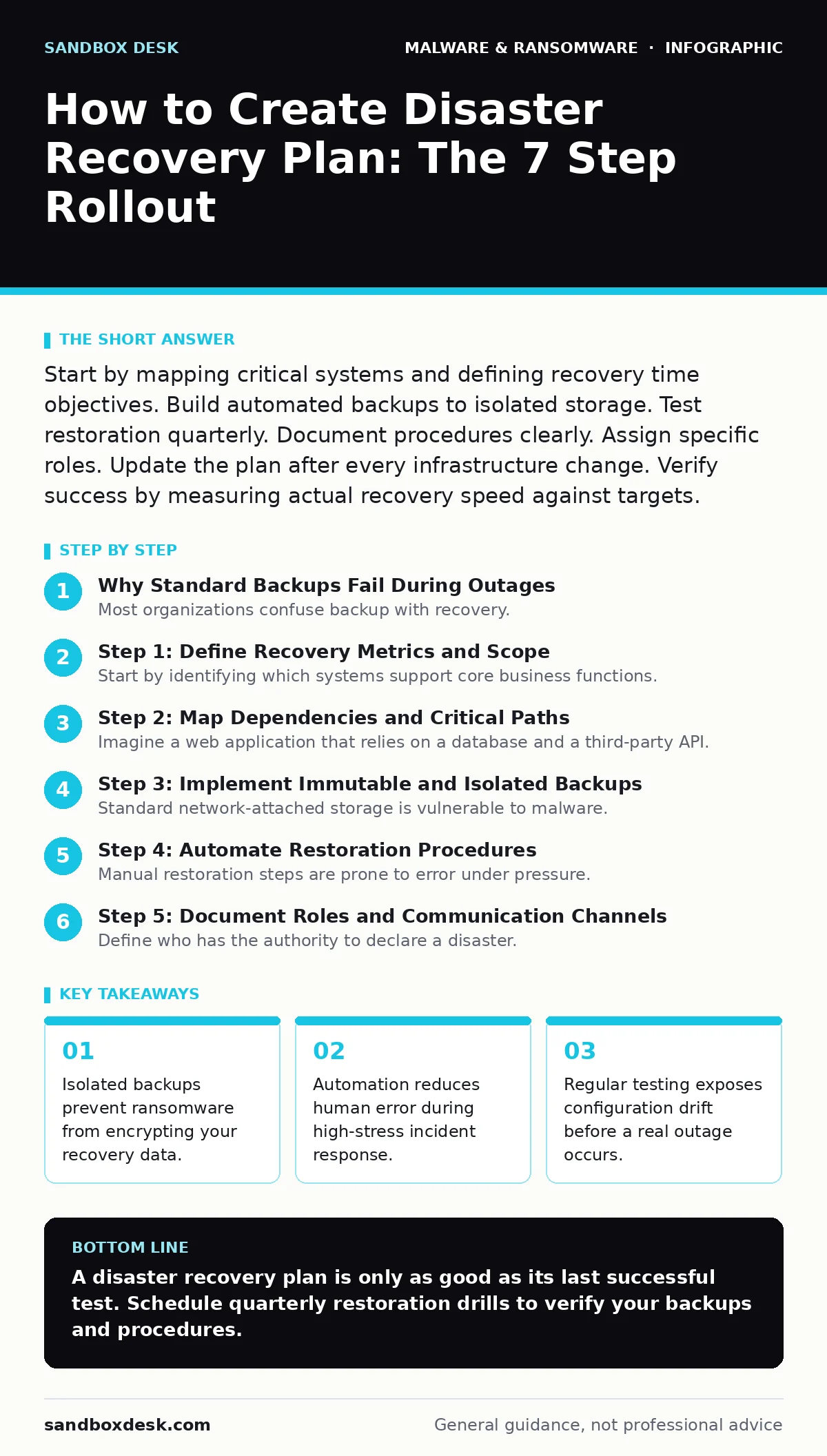
Start by mapping critical systems and defining recovery time objectives. Build automated backups to isolated storage. Test restoration quarterly. Document procedures clearly. Assign specific roles. Update the plan after every infrastructure change. Verify success by measuring actual recovery speed against targets.
Why Standard Backups Fail During Outages
Most organizations confuse backup with recovery. A backup is a copy of data. Recovery is the process of restoring that data to a usable state. Many plans fail because they assume backups are always readable. Corrupted files, missing dependencies, and configuration drift make silent failures common. You must treat recovery as an active engineering discipline, not a passive storage task.
Step 1: Define Recovery Metrics and Scope
Start by identifying which systems support core business functions. Not all data holds equal value. Define Recovery Time Objective (RTO) for each system. This is the maximum acceptable downtime. Define Recovery Point Objective (RPO) for each system. This is the maximum acceptable data loss measured in time. These metrics determine your infrastructure costs. A tight RTO requires faster storage and more complex orchestration.
| System Type | Typical RTO | Typical RPO | Storage Strategy |
|---|---|---|---|
| Email Server | 4 hours | 15 minutes | Cloud replication |
| Archive Data | 48 hours | 24 hours | Cold storage |
| Web Frontend | 1 hour | 5 minutes | Active-active cluster |
Step 2: Map Dependencies and Critical Paths
Imagine a web application that relies on a database and a third-party API. If the database fails, the application fails. If the API fails, the application degrades. You must map these dependencies explicitly. Document the order in which services must restart. A database must be online before the application server can connect. A DNS record must point to the correct IP before users can reach the site. Missing a single dependency causes cascading failures during restoration.
Step 3: Implement Immutable and Isolated Backups
Standard network-attached storage is vulnerable to malware. If your backup drive is mounted on the same network as your production servers, ransomware can encrypt it too. Use immutable storage where files cannot be modified or deleted for a set period. Use air-gapped storage that is physically disconnected from the network. This isolation is the only defense against sophisticated attacks that target backup infrastructure. You cannot rely on antivirus alone to protect your recovery data.
Step 4: Automate Restoration Procedures
Manual restoration steps are prone to error under pressure. Humans forget commands, mistype variables, and skip checks. Automate the restoration process using infrastructure-as-code scripts. These scripts should rebuild the environment from scratch using the backup data. Automation ensures consistency. It removes the need for specialized knowledge during an incident. If a script fails, it fails predictably. You can debug a script. You cannot debug a panicked administrator.
See also: Log Retention Strategy: Benefits, Limits, and When to Stop · Is Command the Same as Control in C2 Infrastructure?
Step 5: Document Roles and Communication Channels
Define who has the authority to declare a disaster. Define who executes the recovery plan. Define who communicates with stakeholders. Ambiguity in authority causes delays. Create a communication tree that does not rely on the primary network. If your main email system is down, you need an out-of-band method to contact your team. Use phone trees or secondary messaging platforms. Ensure all team members have access to these channels before an incident occurs.
Step 6: Test Recovery Quarterly
A plan that has never been tested is a hypothesis. You must verify that your backups restore correctly. Schedule quarterly restoration tests. Restore a subset of data to an isolated environment. Verify that applications function correctly. Measure the time taken against your RTO. Document any deviations. Testing reveals hidden issues like expired certificates or incompatible software versions. It also trains your team in the actual procedures.
Step 7: Review and Update After Changes
Infrastructure changes constantly. New servers are added. Software is updated. Network configurations shift. Your disaster recovery plan becomes obsolete quickly. Trigger a review of the plan after every significant infrastructure change. Update dependency maps. Update automation scripts. Update contact lists. Treat the plan as living documentation. Stale procedures lead to failure during real incidents.
Verification Checklist and Common Pitfalls
Use this checklist to validate your plan after each test.
- All critical systems identified and prioritized.
- RTO and RPO metrics defined for each system.
- Backups stored in immutable or air-gapped locations.
- Restoration scripts tested in isolation.
- Roles and responsibilities clearly assigned.
- Out-of-band communication channels verified.
- Plan updated after recent infrastructure changes.
Maintaining Plan Integrity Over Time
Disaster recovery is not a one-time project. It requires continuous upkeep. Integrate plan reviews into your change management process. When you deploy a new service, update the recovery documentation simultaneously. Monitor backup jobs for failures. Alert immediately when a backup fails. A silent backup failure means you have no recovery option. Investigate failures within hours, not days. Regular audits ensure that your plan remains aligned with your actual infrastructure.
Integration with Security Protocols
Recovery plans must align with security protocols. If you suspect a breach, standard restoration may reinfect your system. You must integrate incident response procedures into your recovery plan. Identify signs of compromise before restoring data. Use clean backups from before the infection point. Understand how malware droppers and loaders operate to avoid re-introducing threats. Behavior-based detection can help identify anomalies during restoration. Isolate recovered systems before reconnecting them to the network.
| Phase | Action | Security Check |
|---|---|---|
| Pre-Restore | Identify incident scope | Scan backups for malware signatures |
| Restoration | Rebuild environment | Use isolated network segment |
| Post-Restore | Verify functionality | Monitor for command and control servers |
| Reconnection | Rejoin production | Run full behavioral analysis |
Handling Logic Bombs and Hidden Threats
Some malware waits for specific conditions to activate. Logic bombs may trigger upon restoration or after a set time. Suppose your backup contains a dormant logic bomb. Restoring it activates the threat. You must analyze backups in a sandbox environment before full restoration. Check for unusual scheduled tasks or hidden scripts. Review code changes around the time of the suspected breach. This extra step adds time to recovery but prevents secondary incidents.
Final Validation and Continuous Improvement
Validation is not just about restoring data. It is about restoring trust. After each test, conduct a post-mortem. Identify what worked and what failed. Update the plan based on these findings. Share lessons learned with the entire team. This continuous improvement cycle strengthens your resilience. It also builds muscle memory for your staff. When a real disaster strikes, your team will act with confidence and precision.
Key takeaways
- Isolated backups prevent ransomware from encrypting your recovery data.
- Automation reduces human error during high-stress incident response.
- Regular testing exposes configuration drift before a real outage occurs.
A disaster recovery plan is only as good as its last successful test. Schedule quarterly restoration drills to verify your backups and procedures.
Frequently asked questions
How often should I test my disaster recovery plan?
Test at least quarterly. More frequent testing is better for critical systems that change often. Annual testing is insufficient for modern infrastructure.
What is the difference between RTO and RPO?
RTO is how long you can be down. RPO is how much data you can afford to lose. RTO drives infrastructure speed. RPO drives backup frequency.
Can cloud providers manage my disaster recovery?
Cloud providers manage the infrastructure. You manage the configuration and data. Shared responsibility means you must configure backups and test recovery yourself.
How do I handle ransomware in my recovery plan?
Use immutable backups to prevent encryption. Isolate restoration environments. Scan all data before restoring. Integrate with ransomware incident response protocols.
How this guide was produced: written by the Sandbox Desk editorial team with AI assistance, checked against the public references listed below, and reviewed when the facts change. See our editorial policy or report an error.