Clipboard Hijackers: Myths About Data Theft and Prevention
Clipboard hijackers operate silently in memory without files, making traditional signature-based detection ineffective against their rapid data exchange.

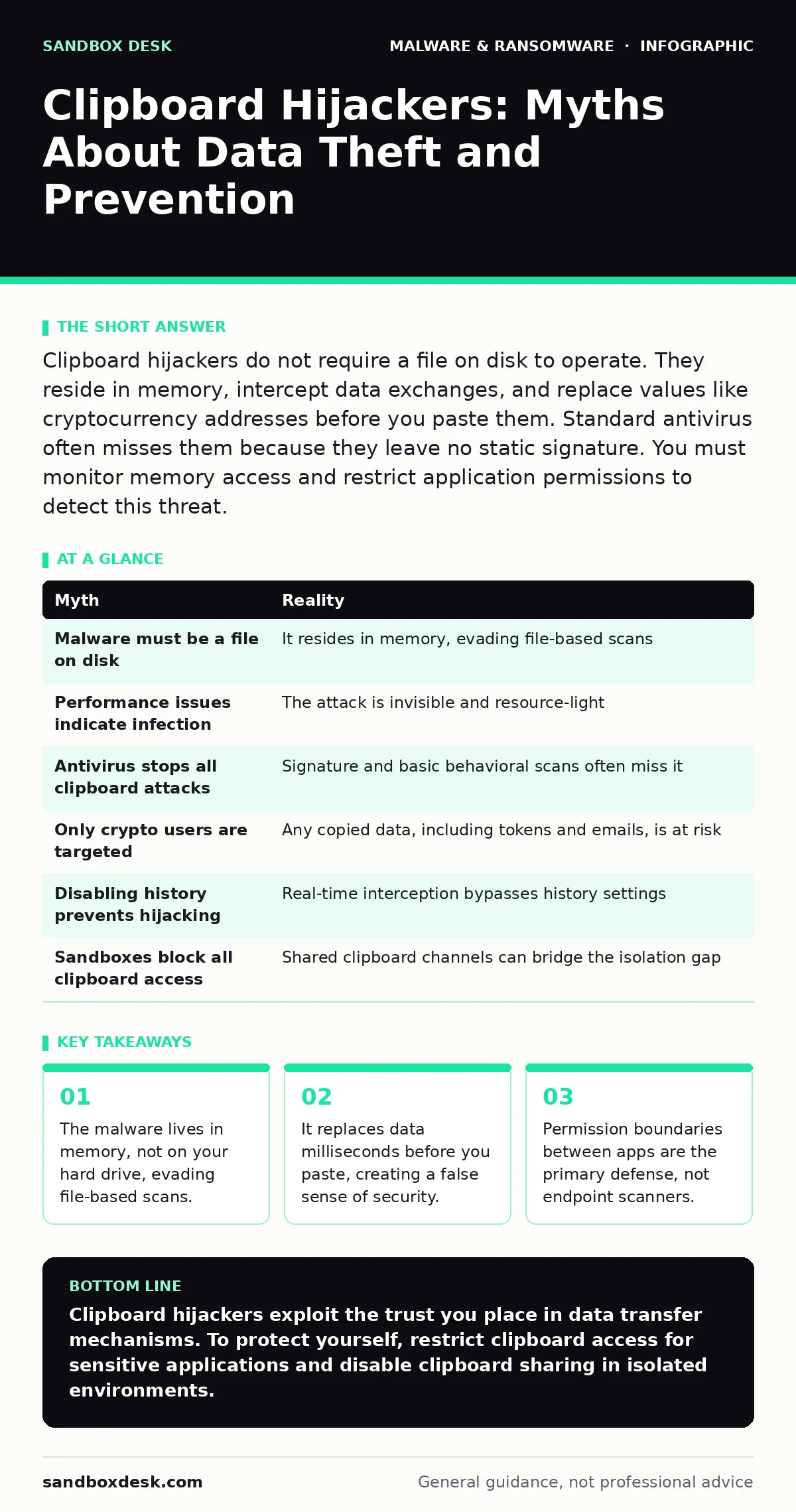
Clipboard hijackers do not require a file on disk to operate. They reside in memory, intercept data exchanges, and replace values like cryptocurrency addresses before you paste them. Standard antivirus often misses them because they leave no static signature. You must monitor memory access and restrict application permissions to detect this threat.
Myth: The malware must be a file sitting on my computer
Reality: Clipboard hijackers often exist solely in system memory. They do not need to write a binary file to your hard drive to function. This distinction matters because most security tools look for files. If there is no file, there is nothing to scan, quarantine, or delete in the traditional sense.
Imagine a process that injects itself into your operating system’s clipboard service. It waits in the background, consuming minimal resources. When you copy a value, the malware intercepts the request. It does not store the original value in a log file. It simply holds the data in RAM, modifies it, and hands the altered version to the application requesting the paste.
This behavior bypasses signature-based detection, which relies on matching known file patterns. Since the malicious code is transient and resides in volatile memory, it leaves no static footprint for the scanner to find. The threat is active only while the session is running.
Myth: I can tell if my clipboard has been compromised
Reality: You cannot detect a clipboard hijacker by observing normal computer performance. These tools are designed to be invisible. They do not slow down your system, display pop-ups, or change your desktop appearance. The interference happens in milliseconds, far too quickly for human perception.
Suppose you copy a cryptocurrency wallet address from a browser. You switch to your wallet application and paste it. The address appears correct. You submit the transaction. Only after the funds are gone do you realize the address was different for a fraction of a second. The malware swapped the address, you pasted the fake one, and the original address remained in your clipboard history if you checked it later.
The lack of feedback is the feature. If you noticed the swap, the attack would fail. The malware relies on your trust in the data you just copied. It exploits the assumption that what you see in the source application is what you will paste into the destination.
Myth: Antivirus software will stop this attack
Reality: Traditional antivirus software is poorly suited to detect clipboard hijacking. These programs excel at finding known malicious files. They are less effective at monitoring real-time memory interactions between unrelated applications. The malicious activity looks like legitimate data transfer to a basic scanner.
Even next-generation antivirus solutions struggle here. While they use behavioral analysis, the behavior of reading the clipboard and writing to it is a standard function for many legitimate applications. Distinguishing a malicious interception from a legitimate clipboard manager requires deep inspection of the call stack. This adds significant overhead and may not catch novel techniques.
The gap in detection exists because the attack vector is an OS feature, not an external exploit. The operating system allows applications to access the clipboard. The malware abuses this permission. Security software must decide whether to block all clipboard access, which breaks productivity, or allow it, which leaves the door open for hijackers.
Myth: Only cryptocurrency users are at risk
Reality: Clipboard hijackers target any sensitive data you copy and paste. While cryptocurrency addresses are the most common target due to the irreversibility of transactions, other data types are valuable. Email addresses, passwords, and session tokens are equally attractive to attackers.
Imagine you copy a login URL from a phishing email to test it. The malware intercepts the URL. It replaces the domain with a malicious one that looks similar. You paste it into your browser. You are now on a fake site. The malware may also capture the credentials you enter. This is not limited to financial data. Any data you move between applications is fair game.
The misconception arises because crypto theft is loud and expensive. Other thefts are quieter. An attacker stealing a session token does not need to change it. They can simply read it. The hijacker may not even modify the clipboard in this case. It just reads the data and sends it to a remote server. The modification is optional; the interception is the goal.
Myth: Disabling clipboard history prevents hijacking
Reality: Turning off clipboard history does not stop a hijacker. The attack occurs in real-time, not by accessing old entries. The malware hooks into the clipboard API. When you perform a copy action, the hook triggers immediately. It does not need to look back at previous items. It acts on the current buffer.
Suppose you disable all clipboard history features in your operating system. You copy a text string. The string sits in the clipboard buffer. You paste it. The hijacker intercepts the paste request. It serves its own data instead of the buffered data. The history setting is irrelevant because the attack happens during the active transaction.
The clipboard is a shared resource. Any application with the right permissions can read from it. Disabling history removes a convenience feature. It does not remove the underlying mechanism that allows data exchange. The vulnerability is in the OS design, not the history feature.
See also: Behavior-Based Detection: 6 Common Misunderstandings and Fixes
Myth: Sandbox environments are completely safe from this
Reality: Sandboxes isolate applications, but they do not always isolate the clipboard. Many sandbox implementations allow clipboard sharing to maintain usability. If the host system is infected, the sandboxed application may still interact with the compromised clipboard service.
Imagine you run a sensitive application in a sandbox. You copy data from the host and paste it into the sandbox. The hijacker on the host intercepts the data before it enters the sandbox. The sandbox receives the modified data. The isolation boundary is breached by the shared clipboard channel.
To mitigate this, you must disable clipboard sharing between the host and the sandbox. This reduces usability. You cannot copy and paste between environments. It is a trade-off between convenience and security. For high-risk operations, the trade-off favors security.
| Myth | Reality |
|---|---|
| Malware must be a file on disk | It resides in memory, evading file-based scans |
| Performance issues indicate infection | The attack is invisible and resource-light |
| Antivirus stops all clipboard attacks | Signature and basic behavioral scans often miss it |
| Only crypto users are targeted | Any copied data, including tokens and emails, is at risk |
| Disabling history prevents hijacking | Real-time interception bypasses history settings |
| Sandboxes block all clipboard access | Shared clipboard channels can bridge the isolation gap |
Key takeaways
- The malware lives in memory, not on your hard drive, evading file-based scans.
- It replaces data milliseconds before you paste, creating a false sense of security.
- Permission boundaries between apps are the primary defense, not endpoint scanners.
Clipboard hijackers exploit the trust you place in data transfer mechanisms. To protect yourself, restrict clipboard access for sensitive applications and disable clipboard sharing in isolated environments.
Frequently asked questions
How can I check if my clipboard is being monitored?
You cannot easily check for monitoring tools without specialized endpoint detection software that inspects memory hooks. Standard user tools do not reveal this activity.
Are mobile devices vulnerable to clipboard hijacking?
Mobile operating systems sandbox applications more strictly, but malicious apps with accessibility permissions can still read clipboard contents. Check app permissions regularly.
Does using a password manager prevent this?
Password managers reduce clipboard use, but if you copy data manually, you are still at risk. Some managers have features to clear the clipboard after a short time, which limits the window for theft.
Can browser extensions steal clipboard data?
Yes, browser extensions with broad permissions can access clipboard data within the browser context. Only install extensions from trusted sources and review their permissions carefully.
How this guide was produced: written by the Sandbox Desk editorial team with AI assistance, checked against the public references listed below, and reviewed when the facts change. See our editorial policy or report an error.