Log Retention Strategy: Benefits, Limits, and When to Stop
Keeping logs longer does not improve security; it increases the attack surface for data exfiltration and raises the cost of every audit.

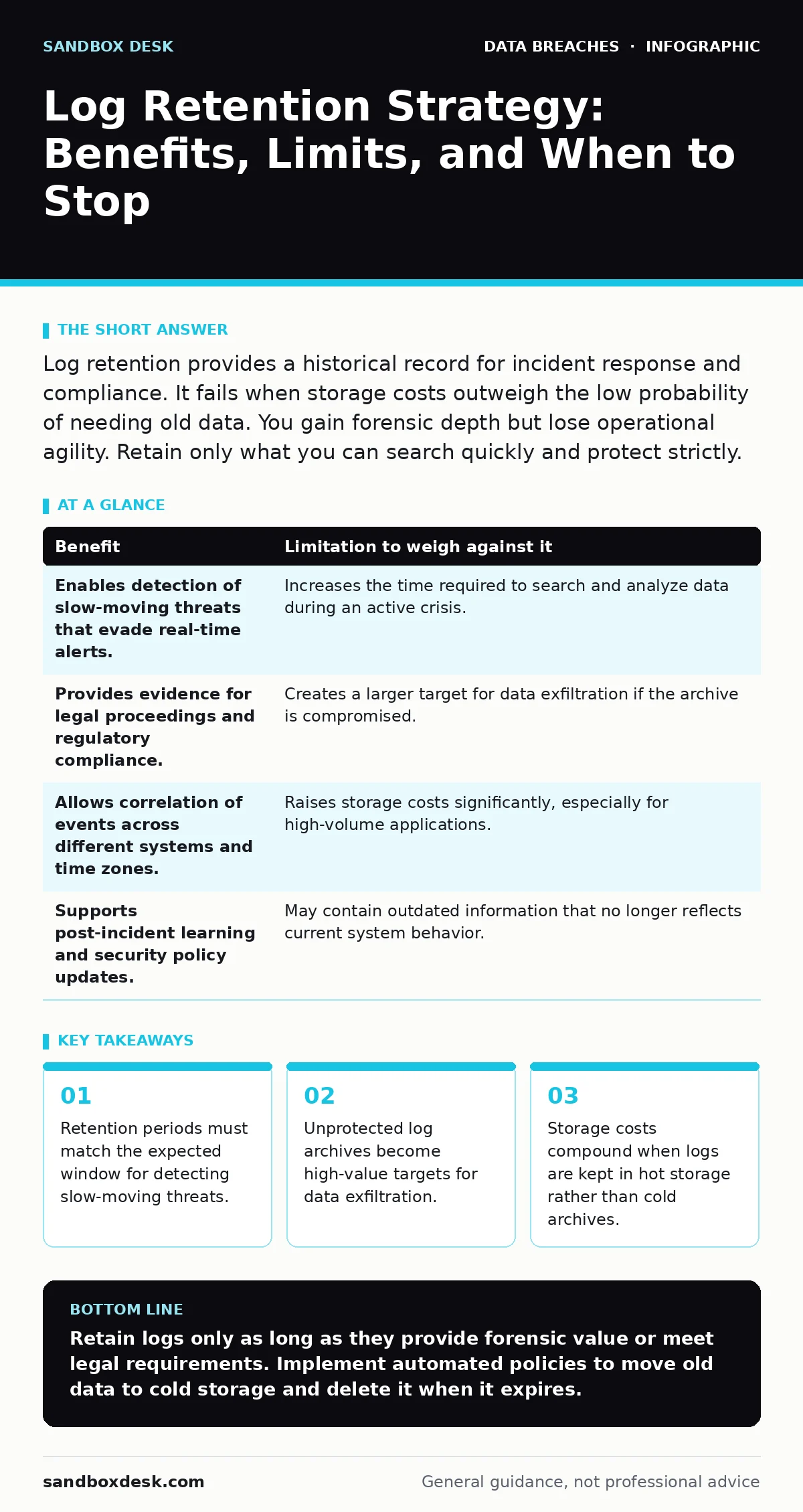
Log retention provides a historical record for incident response and compliance. It fails when storage costs outweigh the low probability of needing old data. You gain forensic depth but lose operational agility. Retain only what you can search quickly and protect strictly.
The Forensic Value of Retained Logs
Log retention creates a timeline of system activity that survives a breach. When an attacker compromises a server, they often destroy local logs to hide their footprint. Centralized logs stored elsewhere provide the only record of what occurred. You can reconstruct the sequence of events, identify the initial entry point, and determine the scope of the damage.
This historical data supports root cause analysis. You can correlate network traffic with application errors to find the exact moment a vulnerability was exploited. Without this data, you rely on memory and guesswork. The record allows you to verify whether security controls failed or were bypassed. It turns speculation into evidence.
The Hidden Costs of Keeping Everything
Every byte of data you keep costs money to store and manage. Log volumes grow exponentially as applications scale. Storing terabytes of raw text in fast-access databases becomes prohibitively expensive. You pay for storage, indexing, and compute power to search through irrelevant noise.
Old logs also create legal liability. If an attacker compromises your log archive, they gain a map of your infrastructure. They can see user behaviors, internal IP addresses, and system configurations. This information aids future attacks. You must balance the need for history against the risk of exposing it.
Keeping data longer than necessary violates the principle of data minimization. You hold information that users expect to be deleted. This complicates requests related to data subject rights. You must search through years of logs to find and erase specific user records. This process is slow and error-prone.
Trade-offs in Incident Response
| Benefit | Limitation to weigh against it |
|---|---|
| Enables detection of slow-moving threats that evade real-time alerts. | Increases the time required to search and analyze data during an active crisis. |
| Provides evidence for legal proceedings and regulatory compliance. | Creates a larger target for data exfiltration if the archive is compromised. |
| Allows correlation of events across different systems and time zones. | Raises storage costs significantly, especially for high-volume applications. |
| Supports post-incident learning and security policy updates. | May contain outdated information that no longer reflects current system behavior. |
When Retention Adds Real Value
You need long-term retention when you operate in highly regulated industries. Financial services and healthcare often require keeping records for several years. This is not optional. The penalty for non-compliance exceeds the cost of storage. You must retain logs to prove that you monitored access to sensitive data.
Long retention is also valuable for detecting advanced persistent threats. These attackers move slowly to avoid detection. They may take months to exfiltrate data. Real-time alerts often miss these subtle patterns. Only by analyzing months of historical data can you spot the anomaly. You need the history to see the pattern.
If you frequently face account takeover fraud, logs help identify compromised credentials. You can trace the login history of an account to find the original breach point. This allows you to reset credentials for other accounts that may be at risk. The historical context turns a single incident into a broader security improvement.
When Retention Becomes a Liability
Short-lived applications do not need long retention. If you deploy a containerized service that lasts only hours, keeping its logs for years provides little value. The system state changes too quickly. Old logs become irrelevant and misleading. You waste resources storing data that no one will ever query.
High-volume logging creates noise that drowns out signals. If you log every request to a public API, you generate terabytes of data daily. Searching through this volume during an incident takes too long. You miss the critical details because they are buried in millions of irrelevant entries. Less data often leads to faster resolution.
If your primary threat is external scanning rather than insider threats, short retention suffices. Scanners leave no long-term footprint. They probe for vulnerabilities and move on. Keeping logs for years does not help you stop them. Real-time blocking and patching are more effective. Do not confuse volume with value.
See also: Is Command the Same as Control in C2 Infrastructure? · How to Create Disaster Recovery Plan: The 7 Step Rollout
Defining the Right Window
The ideal retention period depends on your mean time to detect (MTTD). If your monitoring tools detect breaches within 24 hours, you do not need years of logs. You need enough history to investigate that 24-hour window. Extend the period only if your detection capabilities are slow.
Consider the lifecycle of your data. User sessions expire. Tokens refresh. Systems update. Logs older than the longest session duration often lose context. You cannot correlate a login from six months ago with a current action. The link is broken. Retaining them adds cost without clarity.
Managing the Archive Efficiently
Move old logs to cold storage. Cold storage is cheaper than hot storage but takes longer to retrieve. You pay less for data you rarely access. Define a policy that automatically moves logs after a set period. This reduces ongoing costs while preserving the data for compliance.
Compress logs before archiving. Compression reduces storage needs by a significant margin. Use standard formats that preserve metadata. Ensure that your search tools can query compressed archives. If you cannot search them, they are useless for incident response.
Regularly test your retrieval process. If you cannot restore logs in an emergency, the policy fails. Run drills that simulate a breach scenario. Time how long it takes to find and analyze the relevant logs. Adjust your strategy based on the results. Speed matters during an incident.
Avoiding Common Pitfalls
Do not log sensitive data. Passwords, credit card numbers, and health records should never appear in logs. If they do, you create a compliance nightmare. Mask or hash sensitive fields before writing them. This protects user privacy and reduces the impact of a log breach.
Do not assume centralized storage is secure. The log server is a high-value target. Attackers know that logs contain the truth. Harden the log server with the same rigor as your production systems. Use strict access controls. Only authorized personnel should read or delete logs.
Do not ignore log integrity. Attackers may alter logs to hide their actions. Use cryptographic hashes to verify that logs have not been changed. Store the hashes separately. This ensures that the evidence you analyze is authentic. Trust nothing without verification.
Key takeaways
- Retention periods must match the expected window for detecting slow-moving threats.
- Unprotected log archives become high-value targets for data exfiltration.
- Storage costs compound when logs are kept in hot storage rather than cold archives.
Retain logs only as long as they provide forensic value or meet legal requirements. Implement automated policies to move old data to cold storage and delete it when it expires.
Frequently asked questions
How long should I keep security logs?
Keep logs for at least 90 days to support incident response. Extend to several years only if required by specific industry regulations or legal contracts.
Can I delete logs after a breach?
No. Deleting logs after a breach destroys evidence and may violate legal hold requirements. Preserve all relevant logs immediately upon detecting an incident.
Is it safe to store logs in the cloud?
Cloud storage is safe if you encrypt the data and manage access permissions strictly. Ensure the provider offers immutable storage options to prevent tampering.
What is the difference between hot and cold storage?
Hot storage is fast and expensive, used for recent logs. Cold storage is slow and cheap, used for long-term archives. Choose based on how often you access the data.
How this guide was produced: written by the Sandbox Desk editorial team with AI assistance, checked against the public references listed below, and reviewed when the facts change. See our editorial policy or report an error.