Computer Viruses Types: How They Replicate and Infect Systems
A computer virus requires user action to execute, distinguishing it from self-spreading worms that exploit network vulnerabilities autonomously.
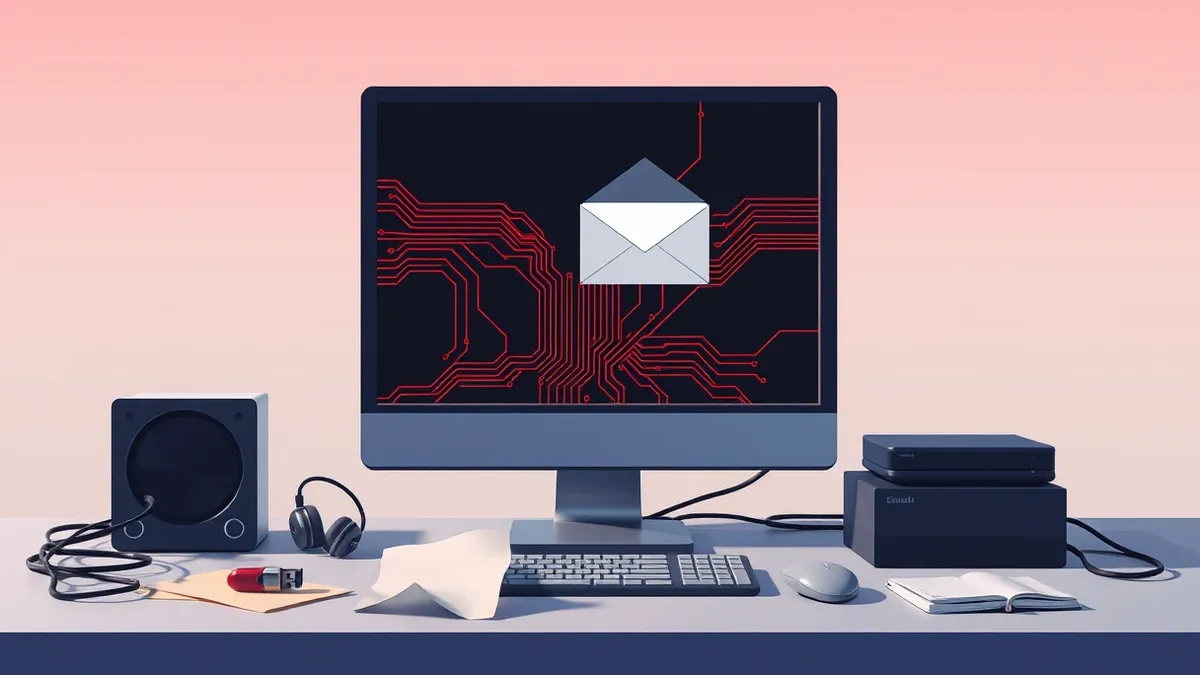
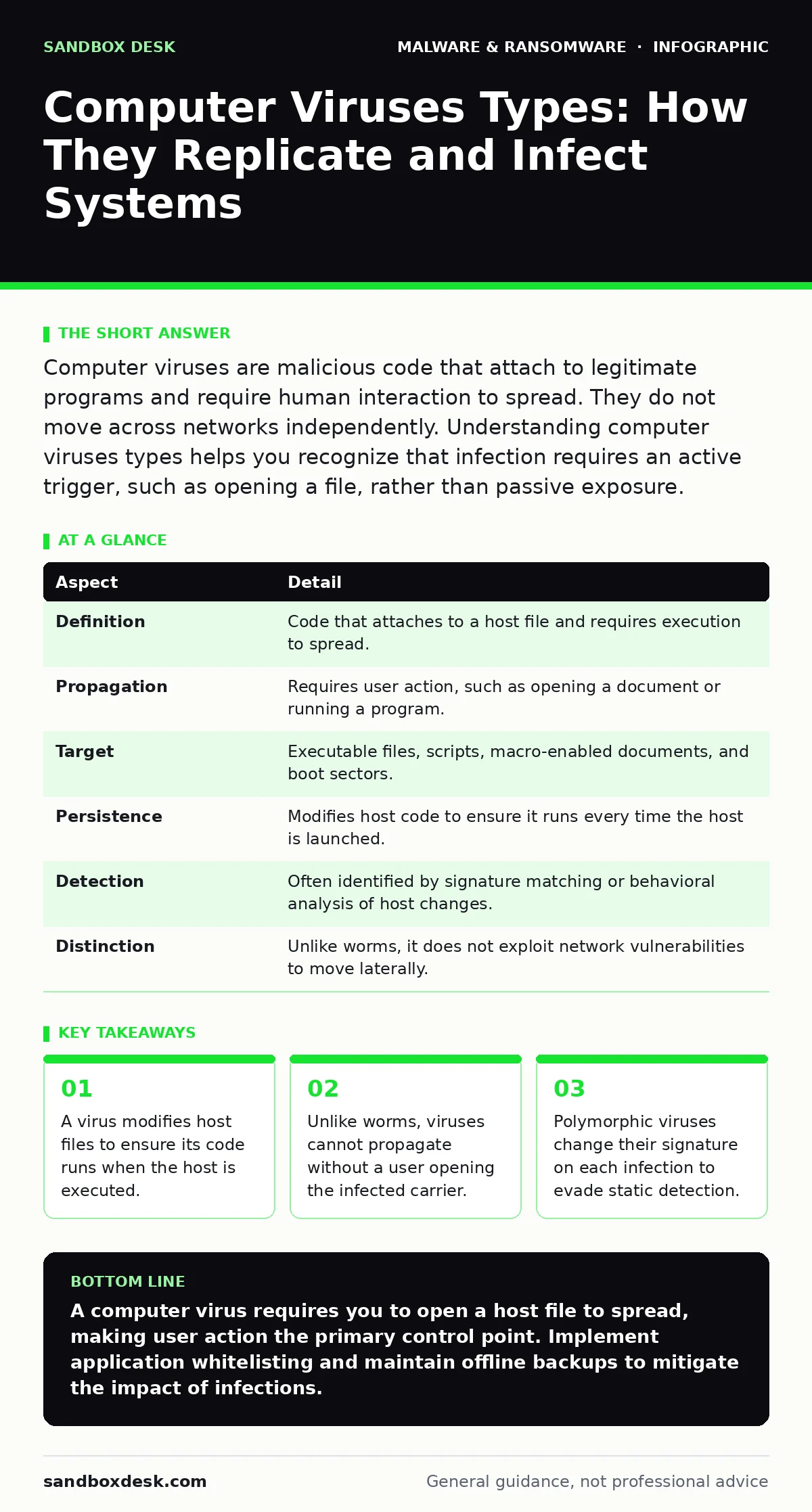
Computer viruses are malicious code that attach to legitimate programs and require human interaction to spread. They do not move across networks independently. Understanding computer viruses types helps you recognize that infection requires an active trigger, such as opening a file, rather than passive exposure.
The Mechanism of Infection
Imagine a library book that contains hidden instructions. When you read the book, you accidentally follow those instructions to copy them onto other books. This is the core behavior of a computer virus. It is a piece of code that inserts itself into another program or document. The virus remains dormant until the host file is executed. Once active, it replicates by modifying other valid files on the system. This dependency on a host file is the defining characteristic. It separates viruses from other malware that can move independently.
| Aspect | Detail |
|---|---|
| Definition | Code that attaches to a host file and requires execution to spread. |
| Propagation | Requires user action, such as opening a document or running a program. |
| Target | Executable files, scripts, macro-enabled documents, and boot sectors. |
| Persistence | Modifies host code to ensure it runs every time the host is launched. |
| Detection | Often identified by signature matching or behavioral analysis of host changes. |
| Distinction | Unlike worms, it does not exploit network vulnerabilities to move laterally. |
The replication process involves three steps. First, the virus attaches to a host. Second, it waits for the host to be triggered. Third, it executes its payload and seeks new hosts. This cycle depends entirely on the host being useful enough for a user to open it. If the host is useless, the virus dies with it. This creates a hidden cost for attackers. They must craft convincing hosts to ensure their code runs.
Computer Viruses Types
People type "computer viruses types" to understand the variety of threats. The classification depends on where the virus lives and how it behaves. File infectors are the most common type. They attach to executable files like applications or scripts. When you run the infected application, the virus code runs first. It then searches for other executables to infect. This type is easy to detect because it changes the file size or hash.
Boot sector viruses target the master boot record of a storage device. This area loads the operating system before any security software starts. The virus gains control early in the startup process. It can hide itself from the operating system. This makes removal difficult because the virus is already running when you try to scan it. These viruses often spread via removable media like USB drives.
Macro viruses hide inside documents that support scripting. They rely on the document reader to execute the embedded code. You must enable macros for the virus to activate. This adds a layer of protection. The user must take a second action to trigger the infection. Polymorphic viruses change their code structure every time they replicate. They keep the same functionality but look different to scanners. This defeats signature-based detection methods.
Metamorphic viruses go further than polymorphic ones. They rewrite their own source code from scratch. Each generation is structurally unique. This makes it nearly impossible to create a static signature. Heuristic analysis is required to catch these. Heuristic analysis looks for suspicious behavior rather than known patterns. This approach generates more false positives. It may flag legitimate software that behaves unusually.
How Viruses Differ From Other Malware
Understanding computer viruses types requires distinguishing them from similar threats. Worms are often confused with viruses. Worms do not need a host file. They exploit network vulnerabilities to copy themselves to other computers. They spread automatically without user interaction. A virus needs you to open a file. A worm needs a vulnerable port or service. This difference dictates the defense strategy.
Trojan horses do not replicate. They pretend to be legitimate software. They do not infect other files. They simply sit there and wait for commands. A virus modifies hosts to spread. A Trojan stays static to hide. Ransomware encrypts files for extortion. It may use viral techniques to spread, but its goal is payment. A virus’s goal is propagation. It may carry ransomware as a payload, but the viral mechanism is the delivery method.
Logic bombs are code that triggers under specific conditions. They do not necessarily replicate. They wait for a date or an action. They can be part of a virus, but they are not a virus themselves. Command and control servers manage malware remotely. They are infrastructure, not the malware code. Understanding these distinctions prevents misdiagnosis. You cannot stop a worm by just disabling file execution. You must patch network vulnerabilities.
What People Usually Get Wrong
Users often believe that antivirus software prevents all infections. This is incorrect. Antivirus software detects known signatures or suspicious behavior. It cannot stop a new virus that has never been seen. It also cannot stop a virus if you explicitly allow it to run. If you disable security prompts, you bypass the defense. The software is a barrier, not a wall.
Another common error is assuming that viruses only target old systems. Modern operating systems have built-in protections. They also have more complex file structures. This makes it harder for simple file infectors to work. Attackers shift to macro viruses or exploit kits. These target the application layer, not the kernel. The threat evolves as the defenses improve.
Users also think that deleting the infected file removes the virus. This is often true for simple file infectors. However, if the virus has already replicated to other files, those copies remain. Boot sector viruses survive file deletion. They reside in the startup code. You must clean the boot sector, not just delete files. This requires specialized tools or reformatting the drive.
Defenses and Trade-offs
Defense against computer viruses types relies on behavior and caution. Application whitelisting is the most effective control. It allows only approved programs to run. Unknown executables are blocked immediately. This stops file infectors and macro viruses from executing. The trade-off is convenience. You must maintain a list of allowed applications. This can be difficult in dynamic development environments.
Email filtering reduces the chance of receiving infected attachments. It scans for known malicious files. It can also block suspicious macros. However, it cannot catch every variant. Zero-day viruses may slip through. You must assume that some will reach your inbox. User training is the last line of defense. Users must recognize that opening files carries risk.
Regular backups ensure recovery if a virus encrypts or deletes data. Backups do not prevent infection. They mitigate damage. You must store backups offline or on immutable storage. A virus that spreads via network shares can infect online backups. Offline backups remain untouched. You can restore your system from a clean state. This is the foundation of disaster recovery plans.
See also: Microsoft Defender Misunderstandings: Fix 6 Common Setup Errors
Impact on Software Development
Developers are often the vector for infection. They download code snippets, libraries, and tools. These can contain hidden malicious code. Supply chain attacks use this vector. The virus hides in a legitimate package. It infects the build environment. The resulting software is compromised. This is a form of file infector at the source code level.
Using open standards and public frameworks reduces risk. These are reviewed by many eyes. It is harder to hide malicious code in widely used libraries. However, it is not impossible. You must verify the integrity of all dependencies. Use checksums to ensure files have not been altered. This adds a step to your workflow. It prevents the execution of tampered code.
Next-generation antivirus focuses on behavior rather than signatures. It monitors processes for suspicious actions. It can stop a virus even if it is unknown. This is useful for polymorphic and metamorphic variants. However, it can interfere with development tools. Compilers and build scripts often behave aggressively. They modify many files quickly. Security software may flag this as malicious. You must tune the settings to allow legitimate development activity.
The Future of Viral Threats
Viruses will not disappear. They will adapt to new technologies. Cloud storage provides new hosts. Documents are shared instantly. This increases the spread rate. Mobile devices offer new targets. They run different operating systems. The viral mechanisms must change. But the core principle remains. The code needs a host and a trigger.
AI can help create more sophisticated viruses. They can generate code that avoids detection. They can adapt to defenses in real time. This raises the bar for defense. Static analysis becomes less effective. Behavioral analysis becomes more critical. You must monitor what the code does, not just what it looks like.
The defense must also evolve. Automation helps detect anomalies at scale. Human oversight remains necessary to distinguish between normal and malicious behavior. There is no perfect solution. You must layer defenses. Use whitelisting, filtering, and backups. Accept that some infections will occur. Plan for recovery. This is the only sustainable approach.
Key takeaways
- A virus modifies host files to ensure its code runs when the host is executed.
- Unlike worms, viruses cannot propagate without a user opening the infected carrier.
- Polymorphic viruses change their signature on each infection to evade static detection.
- File infectors target executable binaries, while boot sector viruses target startup code.
A computer virus requires you to open a host file to spread, making user action the primary control point. Implement application whitelisting and maintain offline backups to mitigate the impact of infections.
Frequently asked questions
Can a computer virus spread through a USB drive?
Yes, if the drive contains an infected executable or if the system is configured to autorun files. The virus copies itself to the drive when inserted.
Do computer viruses types include ransomware?
Ransomware is a payload, not a viral mechanism. A virus can carry ransomware, but ransomware itself does not necessarily replicate like a virus.
How do I remove a boot sector virus?
You must use specialized bootable rescue tools or reformat the drive. Standard operating system tools cannot remove viruses that load before the OS.
Are macro viruses still a threat in modern office suites?
Yes, they remain a significant threat. Modern suites still support macros for automation. Attackers exploit this by hiding code in documents.
How this guide was produced: written by the Sandbox Desk editorial team with AI assistance, checked against the public references listed below, and reviewed when the facts change. See our editorial policy or report an error.