Antivirus Software: How Detection Engines Actually Work
Signature matching fails against zero-day threats, which is why modern tools rely on behavioral analysis and cloud telemetry to stop unknown code before it executes.

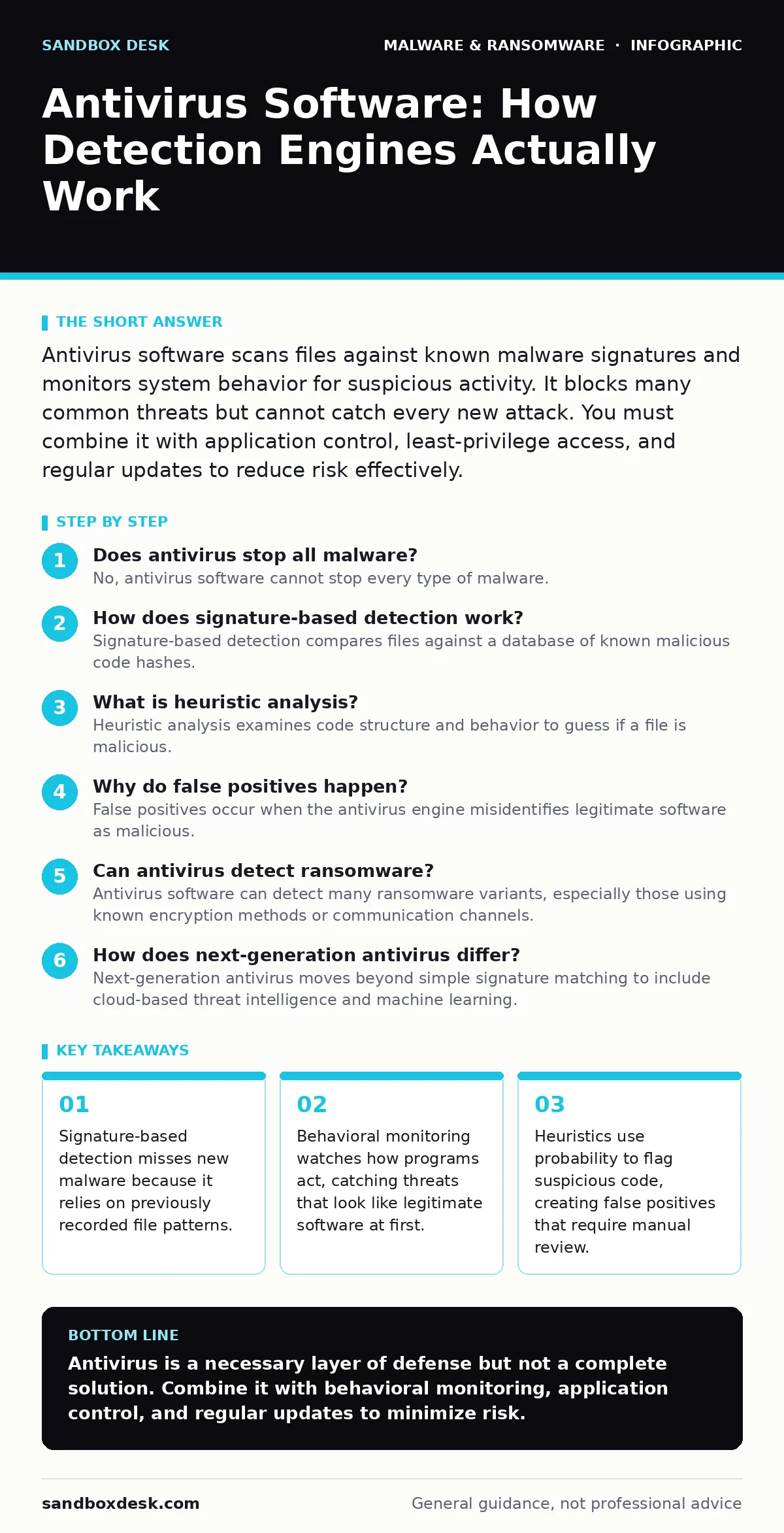
Antivirus software scans files against known malware signatures and monitors system behavior for suspicious activity. It blocks many common threats but cannot catch every new attack. You must combine it with application control, least-privilege access, and regular updates to reduce risk effectively.
Does antivirus stop all malware?
No, antivirus software cannot stop every type of malware. It relies on known patterns and behavioral rules, which means novel attacks or highly customized malicious code can bypass detection. The tool reduces risk by catching common threats, but it does not provide absolute security. You must assume some malware will eventually slip through.
How does signature-based detection work?
Signature-based detection compares files against a database of known malicious code hashes. A hash is a unique string of characters representing the file’s content. If the file matches a known bad hash, the software blocks or quarantines it. This method is fast and accurate for known threats but fails completely against new or modified malware. See our guide on file hashes in malware detection for more on how these identifiers function.
What is heuristic analysis?
Heuristic analysis examines code structure and behavior to guess if a file is malicious. Instead of matching a specific signature, the engine looks for suspicious instructions, such as attempts to modify system files or encrypt data. This approach catches new threats but often flags legitimate software as dangerous. This trade-off creates false positives, which can disrupt normal operations if not managed carefully.
Why do false positives happen?
False positives occur when the antivirus engine misidentifies legitimate software as malicious. This happens because benign programs may use techniques similar to malware, such as injecting code into other processes or modifying memory. The detection logic prioritizes safety over precision, leading to over-aggressive blocking. Developers often encounter this when testing tools that scan system processes or manipulate files.
Can antivirus detect ransomware?
Antivirus software can detect many ransomware variants, especially those using known encryption methods or communication channels. Modern solutions use behavioral monitoring to stop ransomware before it encrypts files. However, sophisticated ransomware may mimic normal system activity to avoid detection. Relying solely on antivirus is insufficient; you should also use immutable backups to ensure you can recover data without paying a ransom. See our guide on ransom notes to understand how attackers demand payment.
See also: Next Generation Antivirus: How NGAV Works Beyond Signatures · How Next-Generation Antivirus Works: The Mechanics of Behavioral Analysis
How does next-generation antivirus differ?
Next-generation antivirus moves beyond simple signature matching to include cloud-based threat intelligence and machine learning. It analyzes behavior in real time and shares data across a network of users. This allows faster detection of new threats that have not been seen before. The trade-off is increased resource usage and dependency on internet connectivity for full functionality. See our guide on next-generation antivirus for a deeper look at these architectures.
What is sandbox evasion?
Sandbox evasion is a technique where malware detects if it is running in a restricted testing environment. If the software senses a sandbox, it may remain dormant or behave normally to avoid detection. Once executed on a real system, it activates its malicious payload. This makes static analysis ineffective against advanced threats. See our guide on sandbox evasion to learn how attackers bypass these security checks.
Does antivirus protect against phishing?
Antivirus software offers limited protection against phishing attacks. It can block known malicious URLs or attachments, but it cannot always identify social engineering attempts. Phishing relies on tricking the user into revealing credentials or installing malware. The defense here is user awareness and technical controls like browser isolation, which runs web content in a remote container. See our guide on browser isolation for details on this approach.
| Detection Method | Strengths | Weaknesses | Best Use Case |
|---|---|---|---|
| Signature Matching | High accuracy for known threats | Fails against new malware | Blocking common, widespread viruses |
| Heuristic Analysis | Catches modified or new threats | High false positive rate | Scanning unknown or suspicious files |
| Behavioral Monitoring | Detects malicious actions in real time | Resource intensive | Stopping ransomware and advanced threats |
| Cloud Intelligence | Fast updates and shared data | Requires internet access | Real-time threat detection and response |
How often should you update antivirus definitions?
You should update antivirus definitions automatically and as frequently as possible. New malware emerges constantly, and delayed updates leave systems vulnerable to recently discovered threats. Most modern solutions update in the background without user intervention. Ensure your firewall allows these updates to pass through without blocking them.
Can antivirus slow down your computer?
Yes, antivirus software consumes system resources, particularly CPU and disk I/O. Real-time scanning checks every file access, which can cause delays during large file transfers or intensive compilation tasks. The impact varies based on the engine’s efficiency and the hardware’s capability. You can mitigate this by scheduling scans during off-hours and excluding trusted directories from real-time monitoring.
What is the role of application control?
Application control restricts which programs can run on a system, blocking unauthorized software regardless of whether it is malicious. This complements antivirus by preventing execution of unknown binaries. It reduces the attack surface by ensuring only trusted applications operate. This is particularly effective in environments where software installation is tightly managed. See our guide on point-of-sale malware for examples of how application control prevents specific threats.
Key takeaways
- Signature-based detection misses new malware because it relies on previously recorded file patterns.
- Behavioral monitoring watches how programs act, catching threats that look like legitimate software at first.
- Heuristics use probability to flag suspicious code, creating false positives that require manual review.
Antivirus is a necessary layer of defense but not a complete solution. Combine it with behavioral monitoring, application control, and regular updates to minimize risk.
Frequently asked questions
Is free antivirus enough for home use?
Free antivirus often lacks advanced features like behavioral monitoring and ransomware protection. It may suffice for basic threats but leaves gaps against sophisticated attacks.
Does antivirus protect against USB malware?
Yes, if real-time scanning is enabled for removable drives. However, users must ensure the software is configured to scan external media automatically.
Can antivirus remove all malware?
Antivirus can remove many known threats, but some malware may persist in system areas the tool cannot access. In such cases, a full system restore may be necessary.
How do I know if my antivirus is working?
Check the software’s dashboard for active protection status and recent scan results. Ensure definitions are up to date and no alerts are pending.
How this guide was produced: written by the Sandbox Desk editorial team with AI assistance, checked against the public references listed below, and reviewed when the facts change. See our editorial policy or report an error.