Identity Theft Protection for Small Business: Practical Steps
Most breaches fail not because of weak code, but because stolen credentials allow attackers to bypass security entirely.

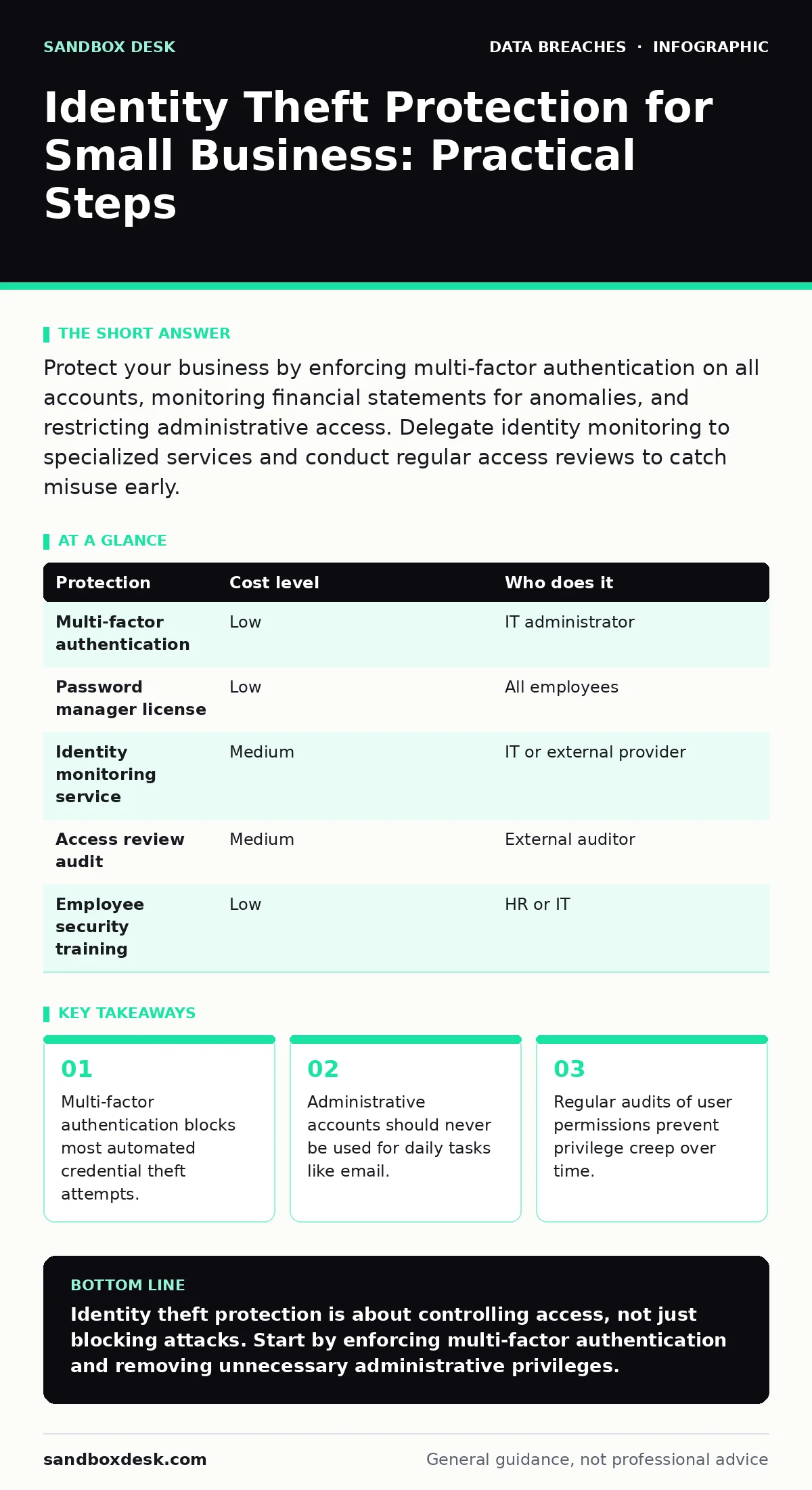
Protect your business by enforcing multi-factor authentication on all accounts, monitoring financial statements for anomalies, and restricting administrative access. Delegate identity monitoring to specialized services and conduct regular access reviews to catch misuse early.
The Mechanics of Identity Theft
Identity theft is not always about stealing a credit card number. For small organizations, the primary threat is credential theft. Attackers seek valid usernames and passwords to access your systems directly. Once inside, they inherit the permissions of the account they compromised. This makes detection difficult because the activity looks like normal user behavior.
If an attacker gains access to an administrative account, they can create new users, disable security logs, and exfiltrate data. They do not need to bypass firewalls or exploit software vulnerabilities. They simply walk through the front door using a key you gave them. This is why protecting the identity is often harder than protecting the perimeter.
Why Small Teams Are Targets
Small businesses often believe they are too small to notice. This belief creates a blind spot. Attackers use automated tools to scan for weak points across the internet. They do not care about the size of the target; they care about the probability of success. A small business with poor security hygiene is an easy win compared to a hardened enterprise.
Furthermore, small teams often share responsibilities. The person who handles payroll might also manage the email server. This consolidation of duties means that compromising one account gives an attacker multiple avenues for damage. You lack the depth of staff to notice unusual activity quickly. An employee who is also the IT administrator has no one to audit their actions.
Affordable Protective Measures
You do not need expensive software to improve your identity security. The most effective controls are configuration changes and process adjustments. Multi-factor authentication (MFA) is the single most impactful step you can take. MFA requires a second form of verification, such as a code from a smartphone app, in addition to a password. This stops attackers who have stolen passwords but do not have physical access to the user’s device.
Disable legacy authentication protocols if your email provider allows it. Legacy protocols are older methods of logging in that do not support modern security checks. They are often the backdoor attackers use to bypass MFA. Review your data inventory and mapping to understand where sensitive information resides. Knowing where your data lives helps you secure the accounts that can access it.
What to Delegate
Some aspects of identity protection are too time-consuming or specialized for small teams. Identity monitoring services can alert you when your business’s email addresses or domain names appear in leaked databases. These services scan the dark web and public repositories for compromised credentials. You pay for the monitoring, and they handle the data collection and analysis.
Consider delegating access reviews to an external auditor. An internal employee might hesitate to flag a colleague for excessive permissions. An external party provides objectivity. They can review who has administrative rights, who has not logged in for months, and who has access to sensitive files. This process, often called user access certification, ensures that permissions match current job roles.
The Human Factor in Security
Technology fails when people bypass it. Employees might disable MFA because it is inconvenient. They might write down passwords on sticky notes. They might click on a link that leads to a fake login page. This is known as phishing. Training is not a one-time event. It is an ongoing process of reinforcing safe behaviors.
Simulate phishing attacks to test your team’s response. Send fake emails that look like real requests for passwords. Track who clicks the link and who reports it. Use the results to provide targeted coaching. Do not punish employees for clicking; instead, explain the indicators they missed. This builds a culture of skepticism without creating fear.
See also: Data Scraping Meaning: How Automated Extraction Works and What It Costs · Log Retention Strategy: Benefits, Limits, and When to Stop
Managing Third-Party Risk
Your vendors are part of your security boundary. If a cloud storage provider suffers a breach, your data is exposed. This is often referred to as shadow IT data exposure when employees use unauthorized services. But even authorized vendors pose a risk. You must understand how they protect your data.
Review the security practices of your key vendors. Do they support MFA? Do they encrypt data at rest and in transit? Can you restrict their access to only the data they need? You should have a clear understanding of who can access your information and under what conditions. This reduces the blast radius if a vendor is compromised.
Regular Audits and Cleanup
Permissions accumulate over time. Employees change roles, leave the company, or take on new responsibilities. Their access rights often do not change to match. This is called privilege creep. An old marketing intern might still have access to the finance folder years later. This unused access is a potential entry point for attackers.
Conduct quarterly access reviews. Remove accounts for former employees immediately. Disable accounts for employees on extended leave. Restrict administrative privileges to those who truly need them. Use the principle of least privilege, which means giving users only the access they need to do their job. This limits the damage if an account is compromised.
Protecting Against Specific Threats
Identity theft can take many forms. Tax identity theft occurs when criminals use your business’s tax ID to file fraudulent returns. Email account compromise allows attackers to impersonate executives and request wire transfers. Doxxing involves publishing private information to harass individuals. Each threat requires a specific defense strategy.
For tax identity theft, monitor your tax filings and report anomalies to the revenue service. For email compromise, implement email authentication protocols like SPF and DKIM to prevent spoofing. For doxxing, restrict the amount of personal information published on your website and social media. Understanding these specific vectors helps you tailor your defenses.
| Protection | Cost level | Who does it |
|---|---|---|
| Multi-factor authentication | Low | IT administrator |
| Password manager license | Low | All employees |
| Identity monitoring service | Medium | IT or external provider |
| Access review audit | Medium | External auditor |
| Employee security training | Low | HR or IT |
Questions for Your IT Provider
When hiring an IT provider or consulting firm, ask specific questions about identity management. Do not accept vague assurances about security.
- How do you enforce multi-factor authentication for all user accounts?
- What is your process for deprovisioning accounts when employees leave?
- Do you monitor for compromised credentials on dark web forums?
- How do you handle privileged access management for administrative tasks?
- Can you provide a report on recent access anomalies or failed login attempts?
- What is your incident response plan if an identity is compromised?
Key takeaways
- Multi-factor authentication blocks most automated credential theft attempts.
- Administrative accounts should never be used for daily tasks like email.
- Regular audits of user permissions prevent privilege creep over time.
Identity theft protection is about controlling access, not just blocking attacks. Start by enforcing multi-factor authentication and removing unnecessary administrative privileges.
Frequently asked questions
Does multi-factor authentication stop all identity theft?
MFA stops most automated attacks and credential stuffing. It does not stop social engineering where a user is tricked into revealing the second factor.
How often should I review user permissions?
Review permissions quarterly or whenever an employee changes roles. Immediate review is required when an employee leaves the organization.
Is it safe to use free password managers?
Free password managers are generally safe if they use standard encryption. However, paid options often offer better audit logs and support for business use cases.
What if an employee loses their MFA device?
You need a backup method, such as backup codes or a secondary device. Ensure your IT provider has a documented process for recovering access without compromising security.
How this guide was produced: written by the Sandbox Desk editorial team with AI assistance, checked against the public references listed below, and reviewed when the facts change. See our editorial policy or report an error.