Zero Trust Security: 8 Practices to Verify Every Request
Zero trust replaces network perimeter assumptions with continuous identity verification, ensuring that compromised credentials cannot traverse internal boundaries without detection.

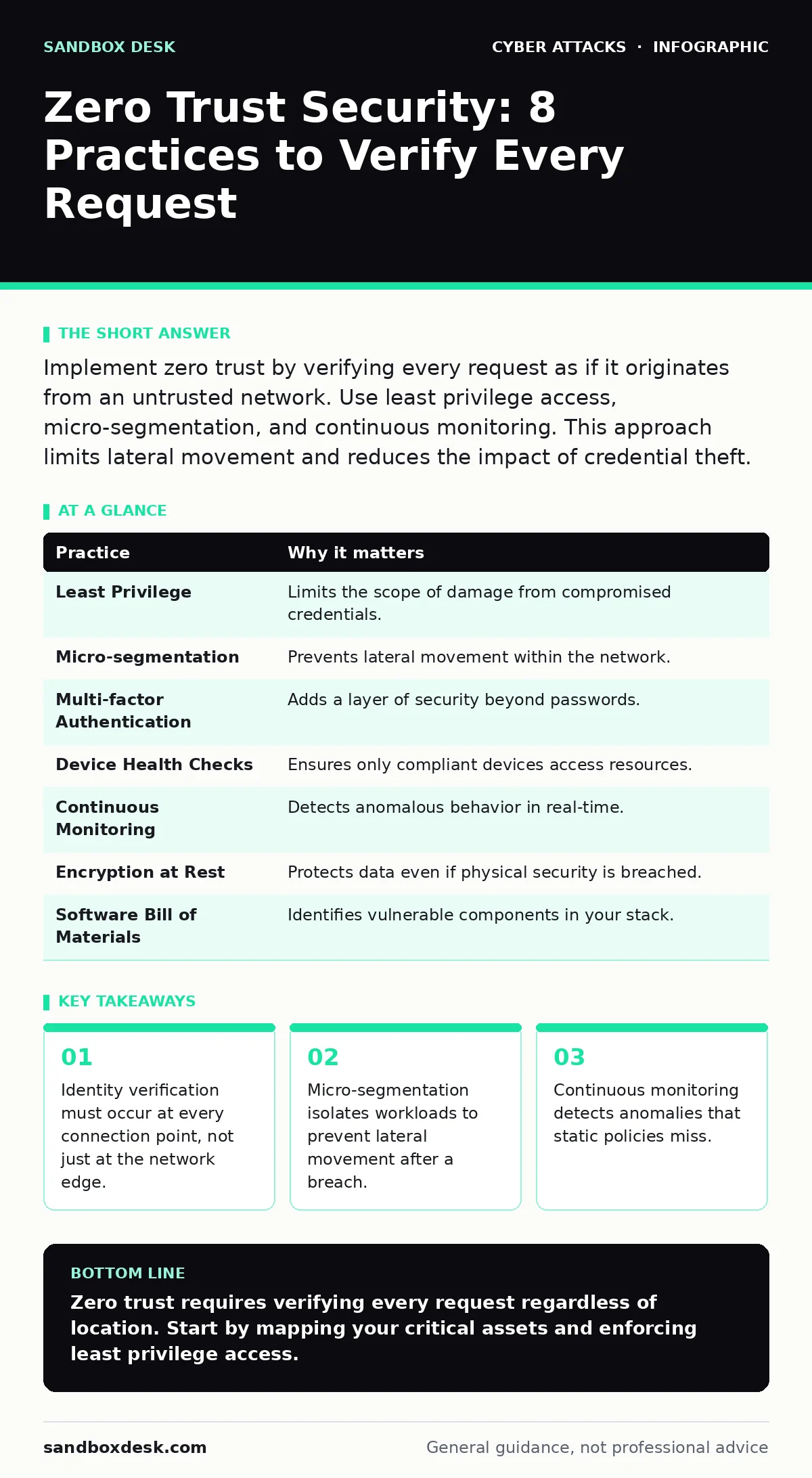
Implement zero trust by verifying every request as if it originates from an untrusted network. Use least privilege access, micro-segmentation, and continuous monitoring. This approach limits lateral movement and reduces the impact of credential theft.
The Death of the Perimeter
The traditional security model relied on a hard outer shell. Once inside, users and devices trusted each other by default. This assumption fails when attackers breach the perimeter. Zero trust security operates on the principle of never trusting, always verifying. It assumes that threats exist both outside and inside your network. You must validate every transaction as if it originates from an open internet connection.
This shift requires a fundamental change in architecture. You stop relying on network location as a proxy for trust. Instead, you evaluate the context of each request. This includes user identity, device health, and behavioral patterns. The goal is to limit the blast radius of any single compromise.
1. Enforce Least Privilege Access
Least privilege access grants users and systems the minimum permissions necessary to perform their tasks. It prevents excessive access rights that attackers can exploit. When a user has broad access, a stolen credential opens many doors. By restricting access, you limit the damage a compromised account can cause.
Tip: Review access rights quarterly. Remove permissions that are no longer needed for specific roles. Use role-based access control to automate these assignments.
| Practice | Why it matters |
|---|---|
| Least Privilege | Limits the scope of damage from compromised credentials. |
| Micro-segmentation | Prevents lateral movement within the network. |
| Multi-factor Authentication | Adds a layer of security beyond passwords. |
| Device Health Checks | Ensures only compliant devices access resources. |
| Continuous Monitoring | Detects anomalous behavior in real-time. |
| Encryption at Rest | Protects data even if physical security is breached. |
| Software Bill of Materials | Identifies vulnerable components in your stack. |
| Just-in-Time Access | Reduces the window of opportunity for attackers. |
2. Implement Micro-segmentation
Micro-segmentation divides the network into small, isolated zones. Each zone has its own security policies. This prevents an attacker from moving laterally after gaining initial access. In a flat network, one breach can expose the entire infrastructure. Micro-segmentation contains the threat to a single segment.
Tip: Group workloads by function or sensitivity. Apply strict firewall rules between these groups. Ensure that only necessary traffic flows between segments.
3. Verify Identity with Multi-factor Authentication
Multi-factor authentication requires two or more verification methods. This combines something you know, have, or are. Passwords alone are insufficient because they can be stolen or guessed. MFA adds a second layer that attackers typically cannot bypass. It significantly reduces the risk of unauthorized access.
Tip: Enforce MFA for all users, including administrators. Use hardware tokens or biometric verification for high-privilege accounts. Avoid SMS-based codes due to SIM swapping risks.
4. Monitor Device Health Continuously
Device health checks verify that endpoints meet security standards. This includes checking for updated operating systems and active antivirus software. An unhealthy device can serve as an entry point for malware. By ensuring compliance, you reduce the attack surface. You also prevent vulnerable devices from accessing sensitive data.
Tip: Use agent-based tools to assess device posture in real-time. Block access from devices that fail compliance checks. Automate remediation steps for minor issues.
See also: Is Command the Same as Control in C2 Infrastructure? · How to Implement Intrusion Detection Systems Without Noise
5. Encrypt Data at Rest and in Transit
Encryption scrambles data so that only authorized parties can read it. Data at rest is stored on disks or databases. Data in transit moves across networks. Encryption protects data even if physical security is breached or network traffic is intercepted. It ensures confidentiality and integrity.
Tip: Use strong encryption algorithms and manage keys securely. Rotate keys regularly to limit exposure. Ensure that encryption covers all sensitive data stores.
6. Maintain a Software Bill of Materials
A software bill of materials lists all components in your applications. This includes third-party libraries and open-source packages. Many breaches occur through vulnerable dependencies. Knowing your components allows you to patch them quickly. It also helps you assess risk during supply chain attacks.
Tip: Automate the generation of SBOMs during the build process. Integrate vulnerability scanning into your CI/CD pipeline. Track updates for all dependencies.
7. Use Just-in-Time Access
Just-in-time access grants privileges only when needed. It removes access immediately after the task is complete. This reduces the window of opportunity for attackers. It also simplifies auditing because access is time-bound. Users do not retain permanent high-level permissions.
Tip: Implement a workflow for requesting temporary access. Require approval for each request. Log all access events for audit trails.
8. Adopt Continuous Monitoring and Analytics
Continuous monitoring collects and analyzes data from across the network. It looks for anomalies that indicate a breach. Static rules miss sophisticated attacks that mimic normal behavior. Behavioral analytics can detect subtle deviations. This allows for faster detection and response.
Tip: Use machine learning models to establish baselines. Alert on deviations that match known attack patterns. Integrate logs from all sources for a unified view.
Integrating with Existing Defenses
Zero trust does not replace existing security measures. It complements them. For example, intrusion detection systems can still monitor network traffic for known signatures. However, they must work in tandem with identity verification. Similarly, web filtering blocks malicious sites, but zero trust ensures that even if a user bypasses the filter, their access is limited.
Consider the context of security culture. Technical controls fail if users share credentials or ignore warnings. Training reinforces the technical measures. You must also address physical threats. USB drop attacks can introduce malware if devices are not properly secured. Zero trust policies should include device authentication to prevent unauthorized hardware connections.
Remote work introduces new risks. Bluetooth attacks can intercept data if devices are paired insecurely. Ensure that wireless connections are encrypted and authenticated. Similarly, callback phishing attempts to trick users into revealing information. Verifying identity through multiple channels mitigates this risk.
Advanced social engineering, such as whaling attacks, targets high-level executives. These attacks often bypass technical controls by exploiting trust. Zero trust helps by requiring additional verification for sensitive actions, regardless of the user's title.
The Hidden Cost of Complexity
Implementing zero trust increases operational complexity. You must manage more policies and monitor more data points. This can lead to alert fatigue if not tuned correctly. Users may experience friction if access requests are too frequent. Balance security with usability.
Tip: Start with critical assets. Implement zero trust principles gradually. Measure the impact on user productivity and adjust policies accordingly.
Conclusion of Practices
Zero trust is not a destination but a continuous process. You must constantly verify and adapt. As threats evolve, your policies must tighten. Regular reviews ensure that your implementation remains effective. Do not assume that initial configuration is sufficient.
Key takeaways
- Identity verification must occur at every connection point, not just at the network edge.
- Micro-segmentation isolates workloads to prevent lateral movement after a breach.
- Continuous monitoring detects anomalies that static policies miss.
Zero trust requires verifying every request regardless of location. Start by mapping your critical assets and enforcing least privilege access.
Frequently asked questions
Does zero trust require replacing my firewall?
Not necessarily. Traditional firewalls can be part of a zero trust architecture if they enforce strict policies. However, you may need additional tools for identity verification.
How does zero trust affect remote workers?
It ensures that remote workers are verified just like on-site employees. Access is granted based on identity and device health, not network location.
Is zero trust suitable for small businesses?
Yes. The principles of least privilege and MFA are beneficial for organizations of any size. Start with the most critical assets.
Can zero trust prevent all attacks?
No security measure prevents all attacks. Zero trust reduces the impact and likelihood of successful breaches by limiting access and monitoring behavior.
How this guide was produced: written by the Sandbox Desk editorial team with AI assistance, checked against the public references listed below, and reviewed when the facts change. See our editorial policy or report an error.