How to Implement Intrusion Detection Systems Without Noise
Most organizations fail at intrusion detection because they prioritize volume over context, creating alerts that hide real threats rather than revealing them.

Start with passive network monitoring to establish a baseline of normal traffic. Deploy sensors in segmented zones to capture local activity. Tune rules by suppressing known false positives. Verify functionality by simulating benign anomalies. Maintain the system by reviewing logs weekly and updating signatures.
Define the Baseline Before Detection
An intrusion detection system identifies deviations from normal behavior. If you do not know what normal looks like, the system cannot identify what is abnormal. You must capture traffic patterns during a stable period to create this reference model. This process takes time, often several weeks, depending on network variability.
Imagine a server that normally sends small packets every hour. If it suddenly sends large bursts, that is a deviation. Without the baseline, that burst looks like a spike, not necessarily an attack. You must define what constitutes a deviation for each segment of your network.
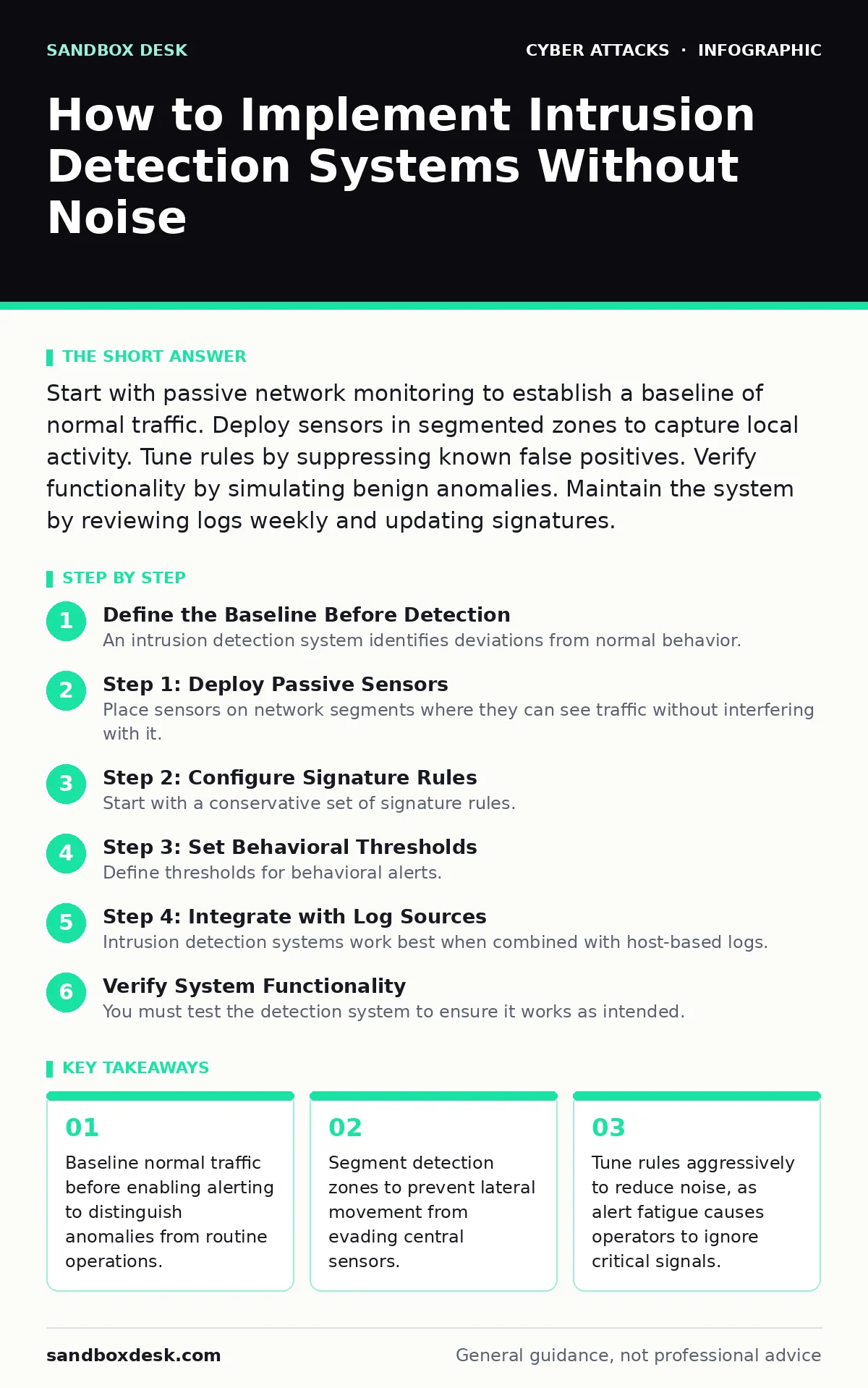
Step 1: Deploy Passive Sensors
Place sensors on network segments where they can see traffic without interfering with it. Use network taps or span ports to mirror traffic to the detection engine. This ensures the sensor does not introduce latency or drop packets. Active sensors that inline traffic can become single points of failure.
Passive monitoring is safer for initial deployment. It allows you to validate detection logic without risking service disruption. You should monitor ingress and egress points as well as internal segments. This placement helps you catch threats that have already bypassed perimeter defenses, a concept covered in guides on initial access.
Step 2: Configure Signature Rules
Start with a conservative set of signature rules. Signatures are patterns that match known malicious activity. Enable rules for high-confidence threats first. Disable rules that are known to trigger on benign applications. This prevents alert fatigue, where operators ignore notifications because most are false positives.
You must map signatures to your specific environment. A rule for a web server vulnerability is irrelevant on a database server. Tailoring rules reduces noise and increases the signal-to-noise ratio. This precision is more valuable than a broad, unfiltered list of every known threat.
Step 3: Set Behavioral Thresholds
Define thresholds for behavioral alerts. These alerts trigger when traffic volume, connection frequency, or data size exceeds expected limits. Set these limits slightly above normal peak usage to avoid nuisance alerts. Too-tight thresholds will alert on routine backups or updates.
Behavioral detection catches zero-day attacks that lack known signatures. It relies on the anomaly principle. You must adjust these thresholds as your environment changes. A new application deployment may increase normal traffic volume, requiring a threshold update.
Step 4: Integrate with Log Sources
Intrusion detection systems work best when combined with host-based logs. Correlate network traffic with system events. A network alert for suspicious outbound traffic becomes more significant if the host log shows a new process starting. This context reduces false positives.
Integrate with existing logging infrastructure. Send detection alerts to a central log management platform. This allows for historical analysis and trend identification. Isolated detection systems limit your ability to investigate incidents. Refer to guides on security culture to understand how teams should respond to these correlated alerts.
See also: Zero Trust Security: 8 Practices to Verify Every Request
Verify System Functionality
You must test the detection system to ensure it works as intended. Do not rely on real attacks for validation. Use controlled simulations to trigger specific rules. For network-based systems, generate traffic that matches known malicious patterns. For host-based systems, execute benign scripts that mimic malicious behavior.
Check that alerts appear in the correct dashboard. Verify that the alert contains sufficient detail for investigation. This includes source and destination addresses, timestamps, and matched rule identifiers. If the alert lacks context, tune the logging configuration.
Checklist for Verification
- Passive sensors capture traffic on all critical segments.
- Signature rules are mapped to specific host roles.
- Behavioral thresholds are set above normal peak usage.
- Alerts integrate with central log management.
- Simulated attacks trigger expected alerts.
- Alert details include sufficient context for analysis.
- False positive rates are acceptable for the team.
Maintain and Tune Regularly
Intrusion detection is not a set-and-forget solution. Review alerts weekly to identify false positives. Disable rules that consistently trigger on benign activity. Update signatures to include new threat patterns. This tuning process is continuous.
Monitor the health of the detection sensors. Ensure they are receiving traffic and processing logs. Check for storage capacity issues in the log management platform. Archive old logs to maintain performance. Regular maintenance keeps the system effective and prevents data loss.
Consider how other vectors might bypass detection. For instance, Bluetooth attacks may occur outside network monitoring scope. Ensure your detection strategy accounts for physical and wireless access vectors. Similarly, USB drop attacks bypass network sensors entirely. A layered defense includes monitoring for unauthorized device connections.
Handle Alert Fatigue
Alert fatigue occurs when operators receive too many low-value notifications. They begin to ignore alerts, missing real threats. Combat this by prioritizing alerts based on severity and context. Use automation to triage low-confidence alerts. Only escalate high-confidence alerts to human analysts.
Review the root cause of false positives. Adjust rules or thresholds to eliminate them. If a rule is too sensitive, refine it. If the environment has changed, update the baseline. This continuous improvement cycle is critical for long-term success.
Refer to guides on web filtering to see how blocking known malicious domains can reduce the volume of traffic that reaches your detection sensors, lowering the load on your analysis tools.
Document Incident Procedures
Define clear procedures for responding to detection alerts. Document who is responsible for investigation and remediation. Include steps for containment and eradication. Ensure all team members have access to these procedures.
Practice these procedures regularly. Simulate incidents to test the response process. Identify gaps in knowledge or tools. Update documentation based on lessons learned. A well-documented process reduces response time and improves outcomes.
Consider how social engineering plays a role in initial compromise. Callback phishing and whaling attacks may not trigger technical alerts immediately. Ensure your detection strategy includes monitoring for unusual email activity and user behavior.
Key takeaways
- Baseline normal traffic before enabling alerting to distinguish anomalies from routine operations.
- Segment detection zones to prevent lateral movement from evading central sensors.
- Tune rules aggressively to reduce noise, as alert fatigue causes operators to ignore critical signals.
Frequently asked questions
How do I distinguish between a false positive and a real threat?
Analyze the context of the alert. Check if the source IP is known, if the behavior matches normal patterns, and if multiple sensors triggered. Correlate with host logs for additional evidence.
Can intrusion detection systems prevent attacks?
No. Detection systems identify and alert on suspicious activity. They do not block traffic. You need an intrusion prevention system or firewall to actively block threats.
How often should I update detection signatures?
Update signatures regularly, ideally daily or weekly, depending on the provider. Frequent updates ensure coverage for new threat patterns and vulnerabilities.
What is the difference between signature and behavioral detection?
Signature detection matches known patterns of malicious activity. Behavioral detection identifies deviations from normal activity, catching unknown or new threats. BOTTOM LINE: Intrusion detection requires a baseline of normal traffic to function effectively. Start with passive monitoring, tune rules aggressively, and maintain the system through regular review.
How this guide was produced: written by the Sandbox Desk editorial team with AI assistance, checked against the public references listed below, and reviewed when the facts change. See our editorial policy or report an error.