Web Filtering: How It Works, Where It Fails, and What It Actually Blocks
Web filtering reduces attack surface by blocking requests before they reach your network, but it cannot inspect encrypted traffic without breaking the trust model.

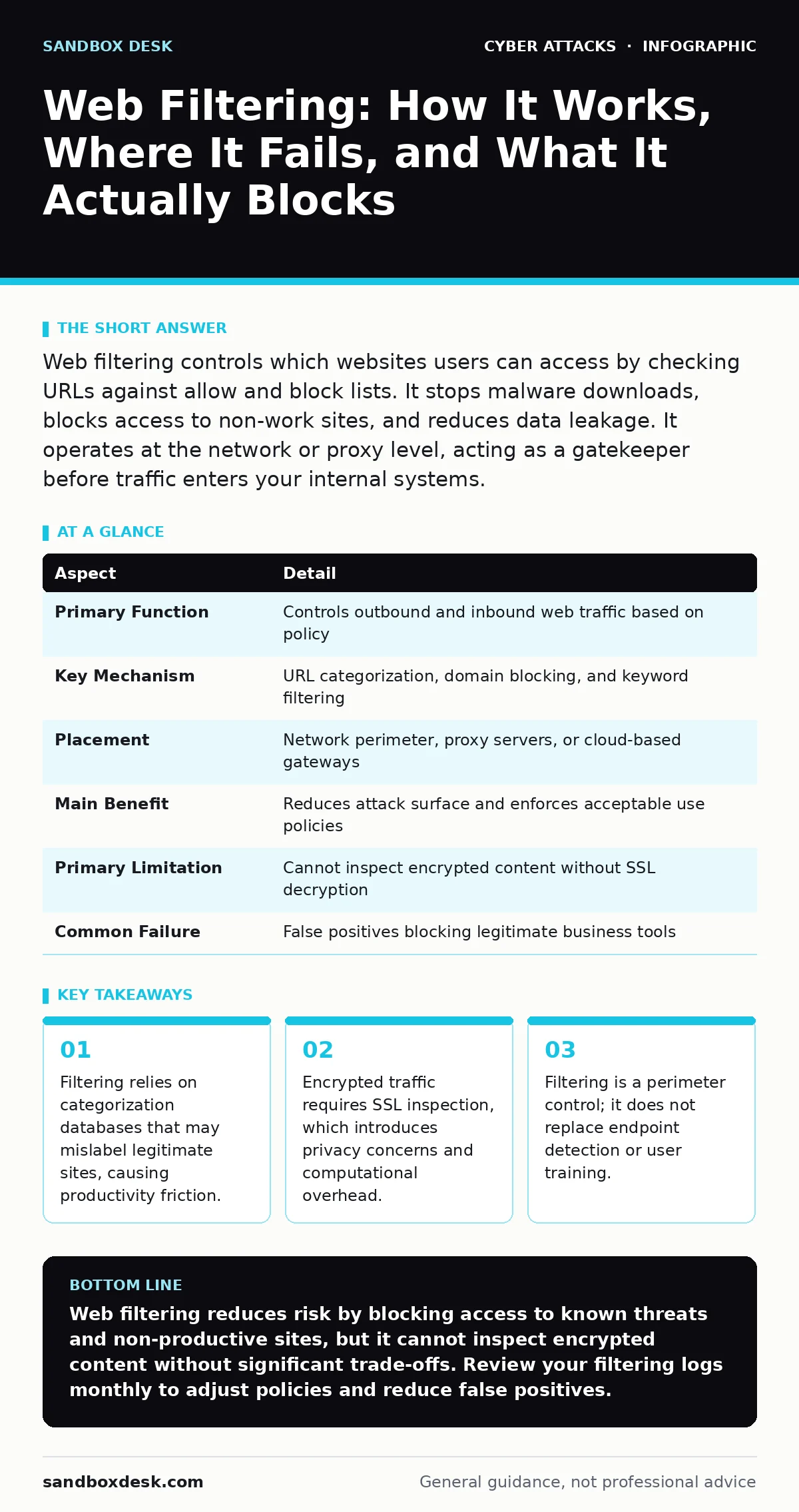
Web filtering controls which websites users can access by checking URLs against allow and block lists. It stops malware downloads, blocks access to non-work sites, and reduces data leakage. It operates at the network or proxy level, acting as a gatekeeper before traffic enters your internal systems.
The Gatekeeper Analogy
Imagine a library with strict lending rules. The librarian does not read every book before handing it to you. Instead, they check the book’s title and author against a list of banned items. If the book is on the bad list, you cannot borrow it. If it is on the good list, you can. If it is unknown, the librarian applies a default rule, such as denying the request until a supervisor reviews it.
Web filtering works similarly. It sits between your internal network and the internet. When a device requests a website, the filter intercepts the request. It checks the destination against its database. Based on that check, it allows or denies the connection. This happens before any data from the website reaches your device.
At a Glance
| Aspect | Detail |
|---|---|
| Primary Function | Controls outbound and inbound web traffic based on policy |
| Key Mechanism | URL categorization, domain blocking, and keyword filtering |
| Placement | Network perimeter, proxy servers, or cloud-based gateways |
| Main Benefit | Reduces attack surface and enforces acceptable use policies |
| Primary Limitation | Cannot inspect encrypted content without SSL decryption |
| Common Failure | False positives blocking legitimate business tools |
The Problem It Solves
Users connect to the internet for many reasons. Some actions are productive. Others expose the organization to risk. A user might click a link in an email that leads to a site hosting malware. Another user might upload sensitive files to a public cloud storage service that violates company policy.
Web filtering addresses these issues by restricting access to known threats and non-productive categories. It stops connections to command-and-control servers used by malware. It blocks access to gambling, adult content, or social media sites during work hours. This reduces the likelihood of a successful initial access attempt via a malicious website. It also helps enforce compliance with data protection regulations by preventing data from leaving the network through unauthorized channels.
How It Works Under the Hood
The filter relies on three main components. First, it needs a way to identify the destination of the request. This is usually the URL or domain name. Second, it needs a database that categorizes these destinations. These databases are updated frequently to reflect new threats and changing site purposes. Third, it needs a policy engine that defines what is allowed.
When a request is made, the filter extracts the destination. It looks up the category in its database. If the category is blocked, the connection is terminated. The user sees a block page. If the category is allowed, the request passes through. If the site is uncategorized, the filter may use reputation scores or machine learning models to make a guess.
The Encryption Blind Spot
Most web traffic is now encrypted using HTTPS. This encryption protects data from eavesdropping. It also hides the content of the request from the filter. The filter can see the destination domain, but it cannot see the specific files being downloaded or the data being uploaded.
To inspect encrypted traffic, the filter must perform SSL inspection. This involves decrypting the traffic, inspecting it, and then re-encrypting it. This requires the filter to act as a man-in-the-middle. Your device must trust the filter’s certificate authority. This creates a trust model shift. If an attacker compromises the filter, they can potentially intercept all traffic. It also adds significant processing overhead.
This is why zero trust security models often prefer endpoint-based controls over network-based filtering for encrypted traffic. The endpoint can inspect the content locally without breaking the encryption tunnel at the network edge.
See also: How to Implement Intrusion Detection Systems Without Noise · Treat AI Models as Untrusted Insiders: 8 Security Practices
What People Usually Get Wrong
Many assume web filtering is a silver bullet for web-based threats. It is not. It is a perimeter control. It stops known bad domains. It does not stop zero-day exploits on allowed sites. It does not stop malware delivered via email attachments. It does not stop attacks that use allowed cloud services.
Another common mistake is relying solely on category blocking. Categories are broad. A site might be categorized as "Business" but host malicious ads. A site might be categorized as "Social Media" but be critical for a marketing team. Over-reliance on categories leads to false positives. These block legitimate work and cause users to seek workarounds.
This is where security culture matters. Users who understand why filtering exists are less likely to try to bypass it. They are more likely to report false positives. Without this culture, filtering becomes a nuisance that users fight against.
Integration with Other Defences
Web filtering is one layer in a deeper stack. It works best when combined with other controls. Intrusion detection systems monitor traffic for suspicious patterns that filtering might miss. SPF records help prevent email spoofing, reducing the volume of phishing emails that might contain malicious links.
Filtering also complements endpoint protection. If a user downloads a file from an allowed site, the endpoint scanner checks the file. If the file is malicious, the endpoint blocks it. This defense-in-depth approach ensures that if one layer fails, another catches the threat.
The Hidden Costs of Filtering
Implementing filtering is not just a technical task. It has operational costs. Maintaining policies requires constant review. New business needs emerge. New threats appear. Policies must be updated to reflect these changes.
SSL inspection adds latency. Decrypting and re-encrypting traffic takes time. This can slow down user experience. It also increases the complexity of your infrastructure. You must manage certificates and keys. You must ensure the filter is configured correctly to avoid security gaps.
There is also a legal and ethical cost. Inspecting employee traffic can violate privacy laws. You must have clear policies on what is monitored and why. Transparency builds trust. Secrecy breeds resentment.
Conclusion on Filtering Strategy
Web filtering is a necessary control. It reduces the attack surface. It enforces policy. But it is not sufficient on its own. It must be part of a broader strategy. This strategy includes endpoint protection, email security, and user training.
You must balance security with productivity. Over-blocking hurts work. Under-blocking exposes you to risk. Find the middle ground. Review your logs regularly. Adjust your policies based on actual usage and threats.
Key takeaways
- Filtering relies on categorization databases that may mislabel legitimate sites, causing productivity friction.
- Encrypted traffic requires SSL inspection, which introduces privacy concerns and computational overhead.
- Filtering is a perimeter control; it does not replace endpoint detection or user training.
Web filtering reduces risk by blocking access to known threats and non-productive sites, but it cannot inspect encrypted content without significant trade-offs. Review your filtering logs monthly to adjust policies and reduce false positives.
Frequently asked questions
Does web filtering protect against all malware?
No. It blocks access to known malicious sites. It cannot stop malware on allowed sites or malware delivered via other channels like email.
Can users bypass web filtering easily?
Users can bypass it using proxies, VPNs, or DNS tunneling. Strong policy enforcement and endpoint controls help prevent these bypasses.
Is SSL inspection safe?
It is safe if configured correctly. However, it requires trust in the filtering appliance. If the appliance is compromised, all traffic is exposed.
How often should I update my filtering policies?
Regularly. New threats and business needs emerge frequently. Quarterly reviews are a good baseline, but monthly checks are better.
How this guide was produced: written by the Sandbox Desk editorial team with AI assistance, checked against the public references listed below, and reviewed when the facts change. See our editorial policy or report an error.