How Next-Generation Antivirus Works: The Mechanics of Behavioral Analysis
Modern endpoint protection ignores file signatures to monitor process behavior, allowing it to catch zero-day threats that bypass traditional scanning methods.

Next-generation antivirus shifts from static signature matching to dynamic behavioral analysis. It monitors system calls, memory usage, and process trees in real time. This approach detects malicious intent rather than known file patterns, offering protection against novel threats that lack a historical signature database entry.
The Shift from Static to Dynamic
Traditional antivirus software relies on a database of known bad files. It compares the hash of a downloaded file against this list. If there is a match, the file is blocked. This method fails against new threats that have never been seen before.
Next-generation antivirus changes the premise. It assumes that any executable could be malicious. Instead of checking what the file is, it checks what the file does. This requires a fundamental change in how the operating system is monitored.
The engine sits between the application and the kernel. It intercepts requests before they are executed. This allows the system to observe intent without necessarily allowing harmful actions to complete.
The Execution Pipeline
To understand the mechanism, you must follow the lifecycle of a process. The analysis begins before the code runs and continues until the process terminates. Each stage offers a different window for detection.
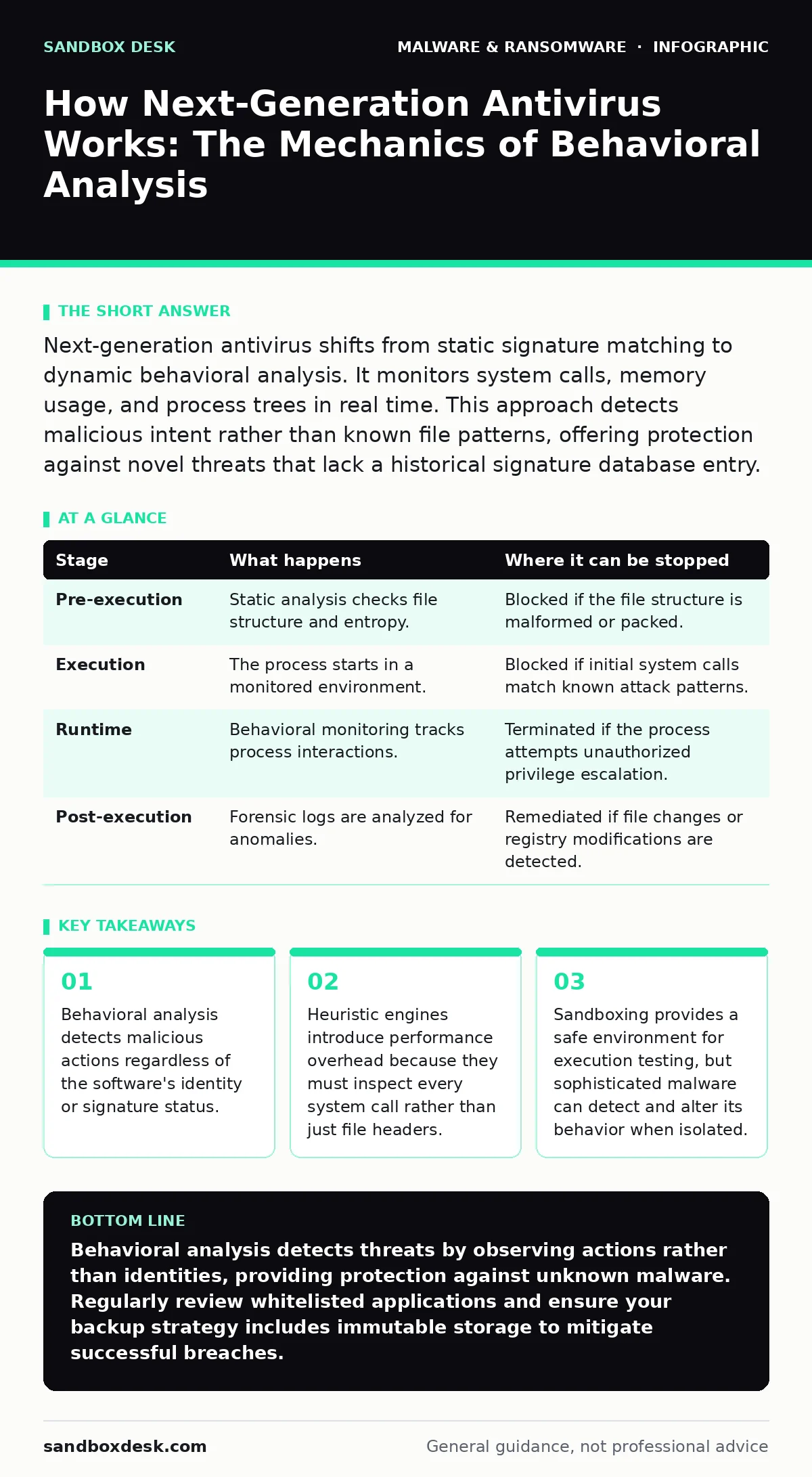
| Stage | What happens | Where it can be stopped |
|---|---|---|
| Pre-execution | Static analysis checks file structure and entropy. | Blocked if the file structure is malformed or packed. |
| Execution | The process starts in a monitored environment. | Blocked if initial system calls match known attack patterns. |
| Runtime | Behavioral monitoring tracks process interactions. | Terminated if the process attempts unauthorized privilege escalation. |
| Post-execution | Forensic logs are analyzed for anomalies. | Remediated if file changes or registry modifications are detected. |
Stage 1: Pre-Execution Static Analysis
Before any code runs, the engine performs a quick structural check. It looks for signs of packing or obfuscation. Legitimate software rarely uses aggressive compression techniques that hide the internal logic.
This stage is fast but limited. It cannot determine intent, only characteristics. A well-written trojan may look identical to a legitimate utility at this stage. This is why static analysis is only the first filter.
Stage 2: Controlled Execution and Sandboxing
If the file passes the initial check, it is allowed to run. However, it does not run in the main operating system immediately. It often runs in a sandbox evasion resistant environment.
This sandbox is a virtualized instance of the operating system. The malware interacts with fake drivers, fake registries, and fake files. The engine observes how the program tries to modify the system.
Sophisticated malware checks for these virtual environments. If it detects a sandbox, it may remain dormant. This is a common tactic to avoid analysis. The engine must therefore use multiple layers of simulation to catch these evasive behaviors.
Stage 3: Behavioral Monitoring
This is the core of next-generation protection. The engine monitors system calls. A system call is a request from a program to the operating system kernel for a service.
Legitimate programs make predictable requests. A web browser requests network access. A text editor requests file writes. A malicious process might request network access while simultaneously trying to encrypt files.
The engine compares these actions against a model of normal behavior. If a process exhibits actions that are statistically unlikely for its type, it is flagged. For example, a calculator app trying to access the network is highly suspicious.
See also: Behavior-Based Detection: 6 Common Misunderstandings and Fixes · Detecting Malware Targeting AI Infrastructure
Stage 4: Memory Inspection
Many modern threats reside only in memory. They never write to the disk. Traditional scanners that only look at files miss these threats entirely.
The engine scans the memory space of running processes. It looks for code injection techniques. Code injection involves placing malicious code into the memory space of a legitimate process.
This is computationally expensive. Scanning every byte of memory in real time requires significant processing power. This is the primary trade-off of behavioral analysis.
The Limits of Detection
No system is perfect. The biggest weakness is the false positive rate. Because the engine relies on probability, it may block legitimate software that behaves unusually.
Administrative tools often behave like malware. They modify system files, install drivers, and monitor other processes. The engine must be trained to recognize these legitimate administrative actions.
This requires frequent updates to the behavioral models. If the model is too strict, it breaks legitimate workflows. If it is too loose, it allows threats to pass.
Integration with Other Defenses
Behavioral analysis does not work in isolation. It is often paired with browser isolation to prevent drive-by downloads from reaching the endpoint.
It also complements immutable backups. If a threat bypasses behavioral analysis and executes ransomware, immutable backups ensure that data can be restored without paying a ransom.
Understanding how ransom notes are generated helps in identifying the end stage of an attack. However, prevention is always preferable to recovery.
The Hidden Cost of Depth
The depth of inspection comes with a performance cost. Every system call must be logged and analyzed. This adds latency to every action.
On older hardware, this latency can be noticeable. Applications may feel sluggish. Users may experience delays when opening files or launching programs.
This is the trade-off for security. You are paying with processing cycles for the ability to detect unknown threats. The engineering challenge is to minimize this cost while maintaining detection accuracy.
Mitigating Evasion Techniques
Attackers are aware of these mechanisms. They use techniques to slow down execution. This is known as time-delay evasion.
They may pause execution for hours or days. This allows the sandbox to time out and release the file. Once released, the malware executes its payload.
To counter this, engines use emulated time. They can fast-forward the clock in the sandbox. This forces the malware to think days have passed in seconds.
The Role of Human Context
Automated systems lack context. They see actions, not intentions. A developer running a custom script may trigger alerts.
The system must allow for whitelisting. This is the process of explicitly trusting certain processes or users. However, whitelisting reduces the effectiveness of the protection.
It is a balance between security and usability. Too many exceptions create holes. Too few exceptions create friction.
Beyond the Endpoint
The endpoint is just one layer. Network traffic must also be monitored. Clipboard hijackers can operate entirely within the endpoint, stealing data from the clipboard.
These threats are difficult to detect via network monitoring. They require deep endpoint visibility. This is why behavioral analysis is necessary for comprehensive protection.
However, no single tool solves all problems. Logic bombs may lie dormant for years. They are triggered by specific conditions, not by execution patterns.
This requires a different approach. It requires understanding the business logic and the triggers that matter. Behavioral analysis helps, but it is not a silver bullet.
Key takeaways
- Behavioral analysis detects malicious actions regardless of the software's identity or signature status.
- Heuristic engines introduce performance overhead because they must inspect every system call rather than just file headers.
- Sandboxing provides a safe environment for execution testing, but sophisticated malware can detect and alter its behavior when isolated.
Behavioral analysis detects threats by observing actions rather than identities, providing protection against unknown malware. Regularly review whitelisted applications and ensure your backup strategy includes immutable storage to mitigate successful breaches.
Frequently asked questions
Does next-generation antivirus replace traditional antivirus?
It evolves the concept. Traditional signature scanning is still used as a first line of defense, but behavioral analysis provides the deeper inspection needed for modern threats.
Will behavioral analysis slow down my computer?
Yes, there is a performance cost. The engine must inspect system calls in real time, which uses CPU and memory resources. Modern hardware handles this better than older systems.
Can malware hide from behavioral analysis?
Sophisticated malware can attempt to hide by mimicking legitimate behavior or using time-delay techniques. However, it is difficult to maintain this disguise for the entire lifecycle of the attack.
Is behavioral analysis effective against ransomware?
It is highly effective. Ransomware exhibits distinct behaviors like mass file encryption and rapid process creation. These patterns are easily detected by behavioral engines.
How this guide was produced: written by the Sandbox Desk editorial team with AI assistance, checked against the public references listed below, and reviewed when the facts change. See our editorial policy or report an error.